Where Fireflies Fade
An Interactive Web-based Storybook About Fireflies
Sep 2025 - December | Role: Web Designer/Programmer
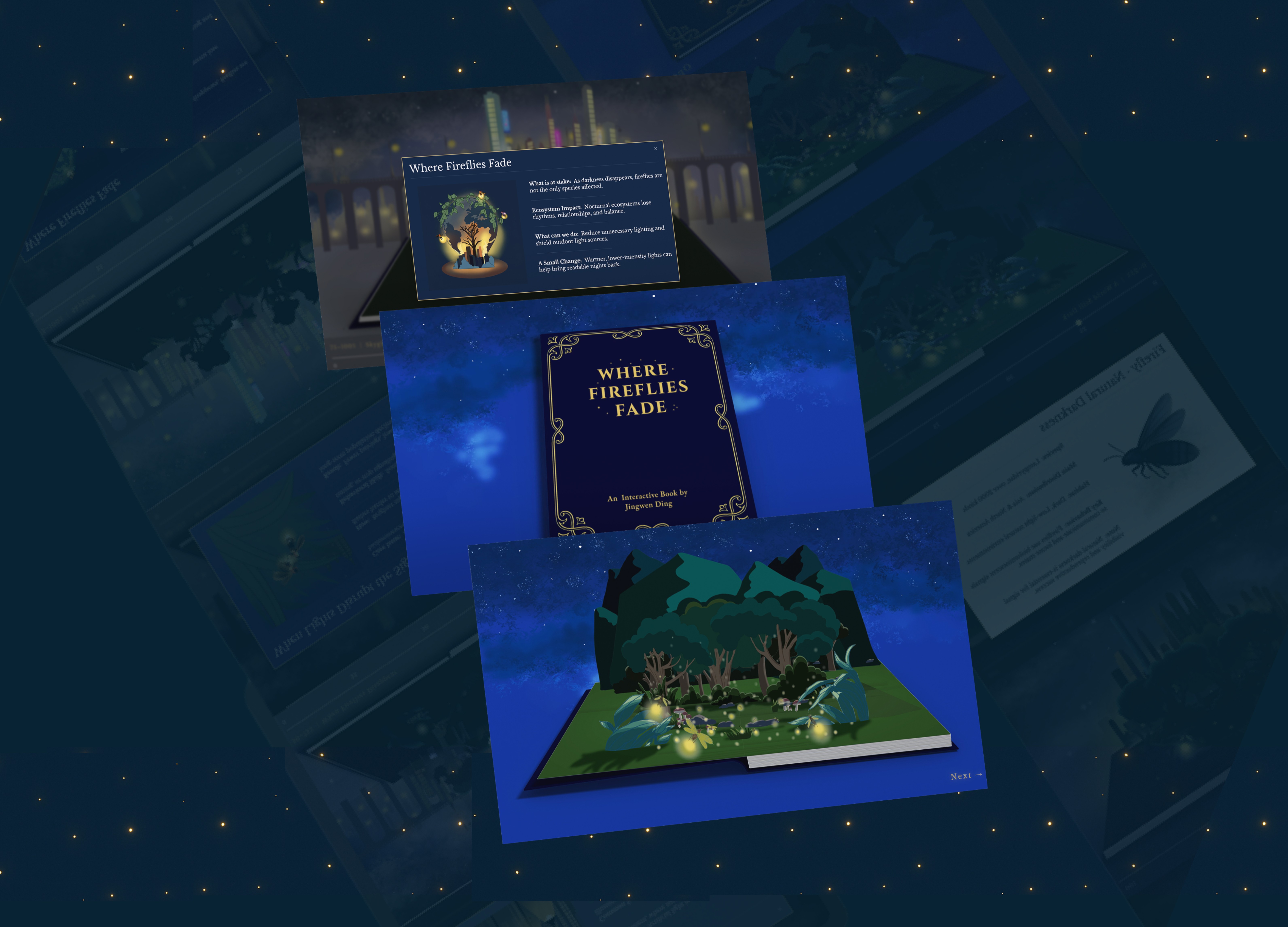
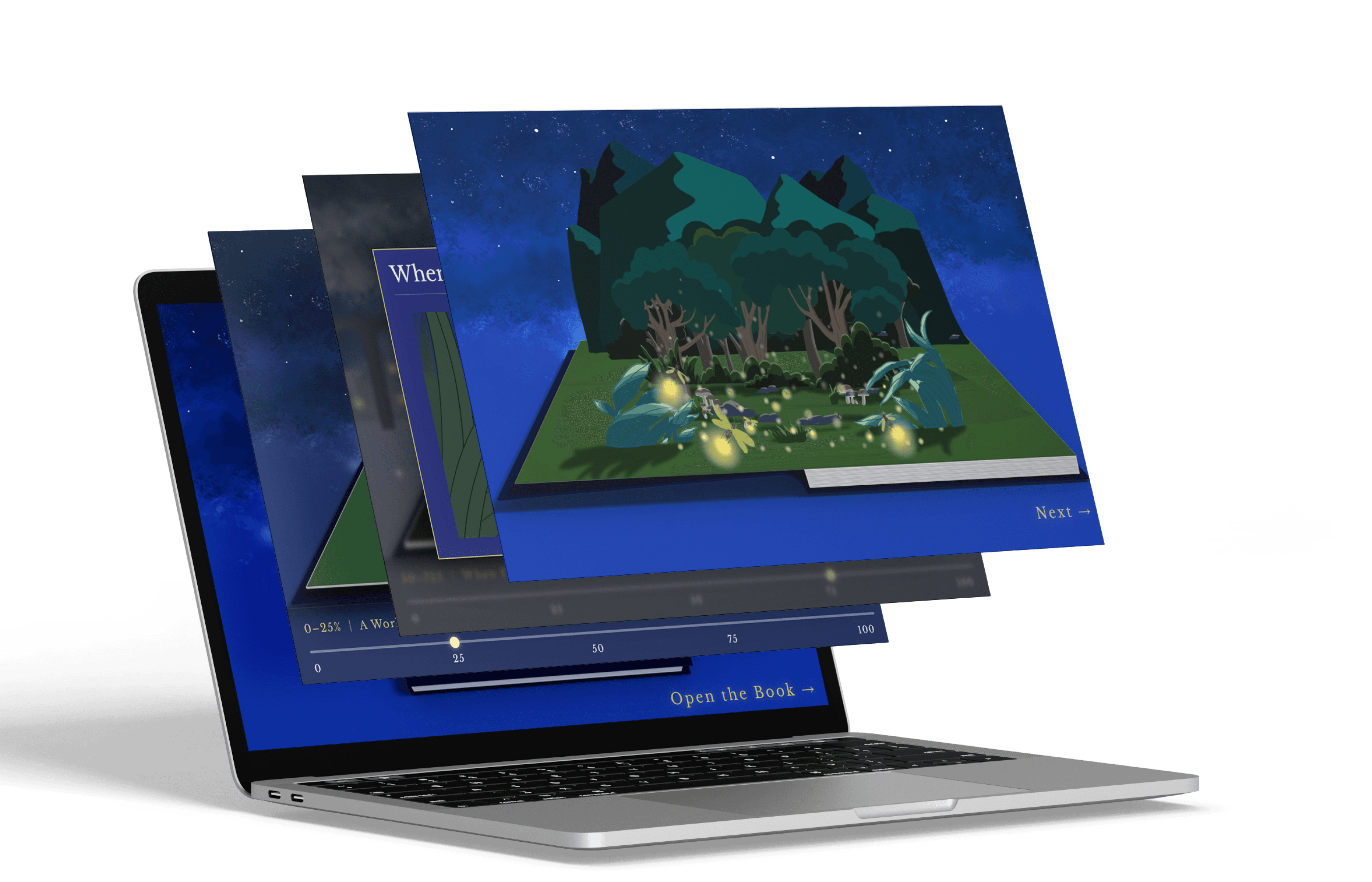
Where Fireflies Fade is an interactive web-based storybook exploring how artificial light disrupts nocturnal ecosystems. Using a slider to shift light levels, users reveal how increasing illumination causes fireflies to gradually disappear, prompting reflection on the ecological consequences of human-made lighting.
The Vanishing Fireflies
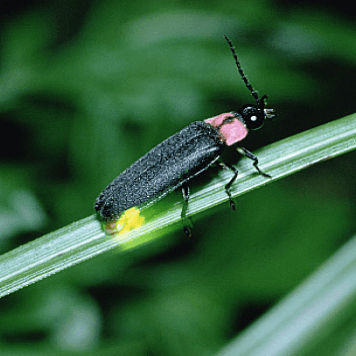
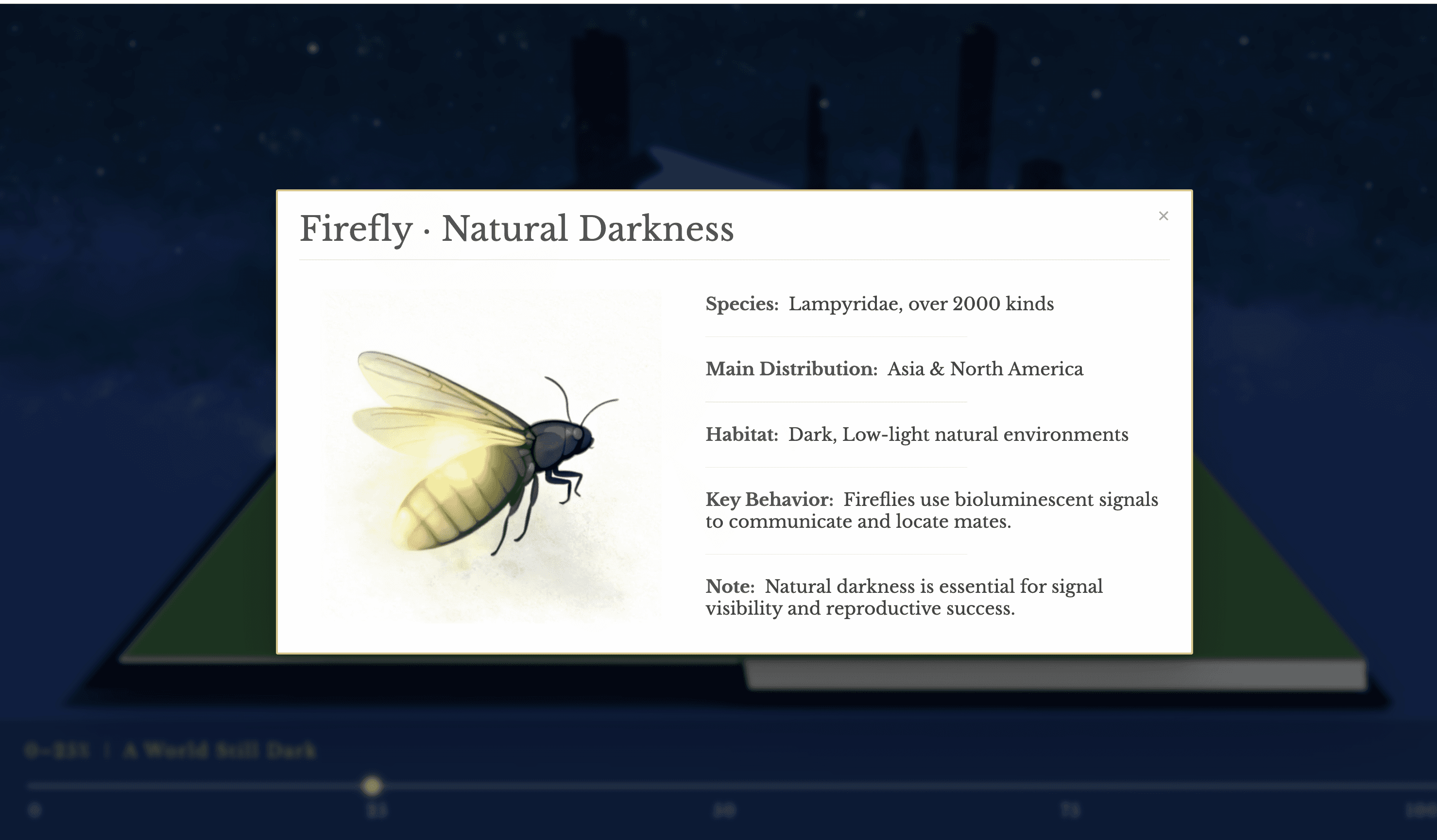
Fireflies, or lightning bugs, are small beetles from the Lampyridae family, known for their ability to produce light through bioluminescence.
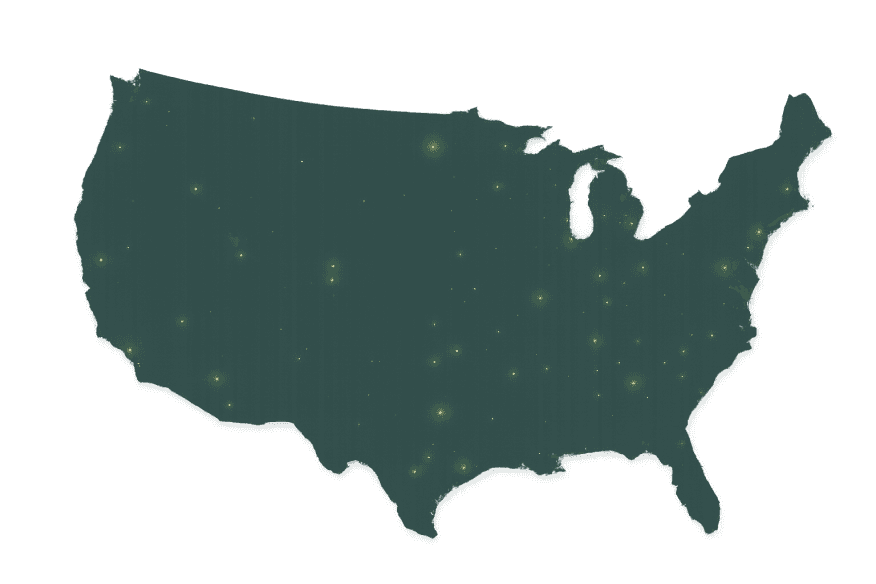
Over 2,000 species of fireflies glow across the world’s warm, where they inhabit diverse ecosystems from Asia to North America.
The Light of the Night
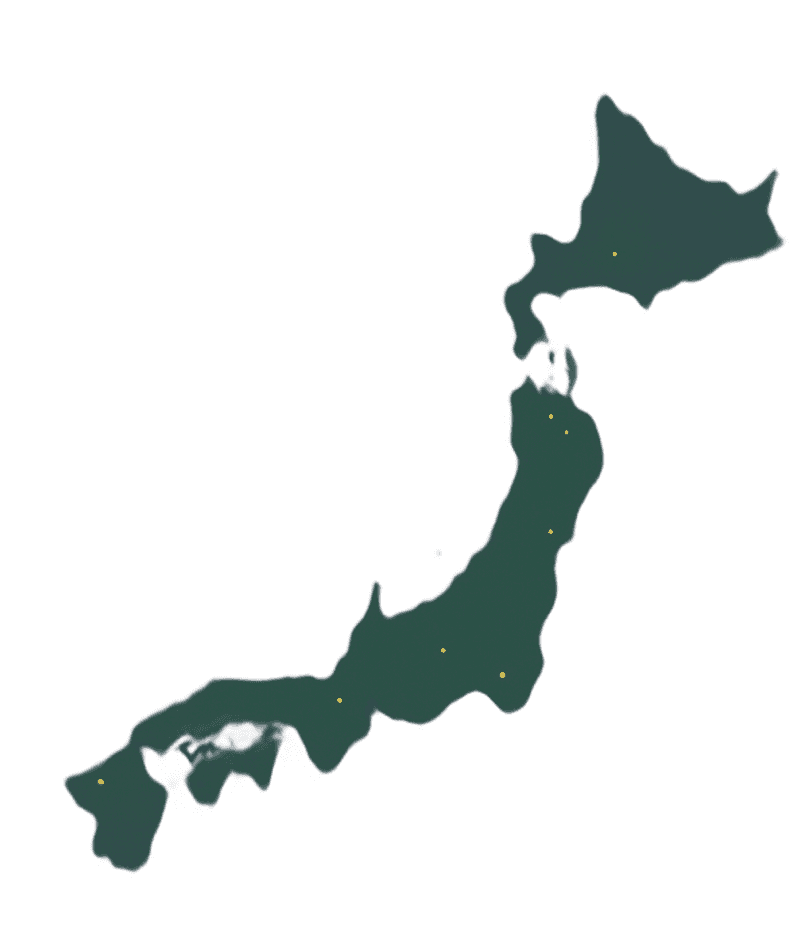
Japan
China
Western World
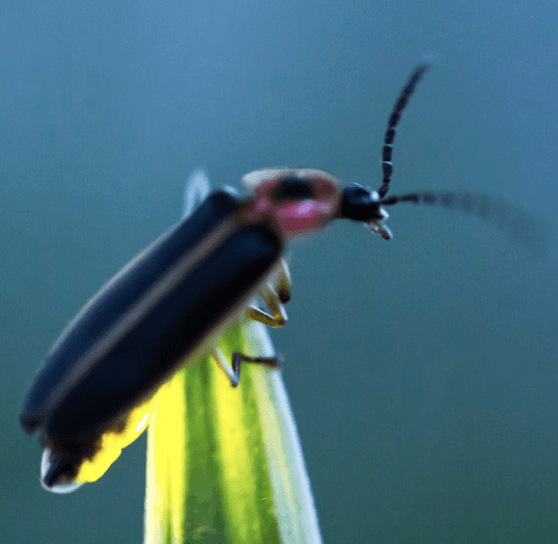
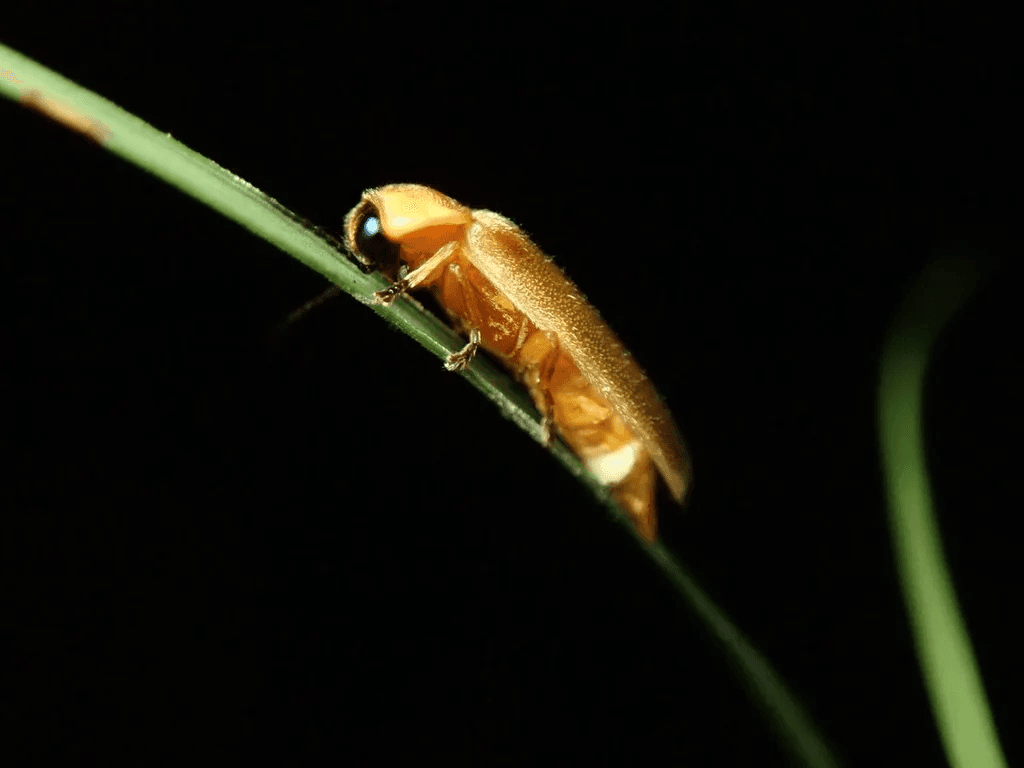
Luciola cruciata
Their light transcends boarders and time.
Luciola lateralis
Photinus pyralis
From Japan’s Hotaru festivals that honor the spirits of loved ones,
to China’s poetic verses where fireflies symbolize longing and fleeting time,
to the Western world’s nostalgic summer nights filled with jars of glowing light.
The Accelerating Loss
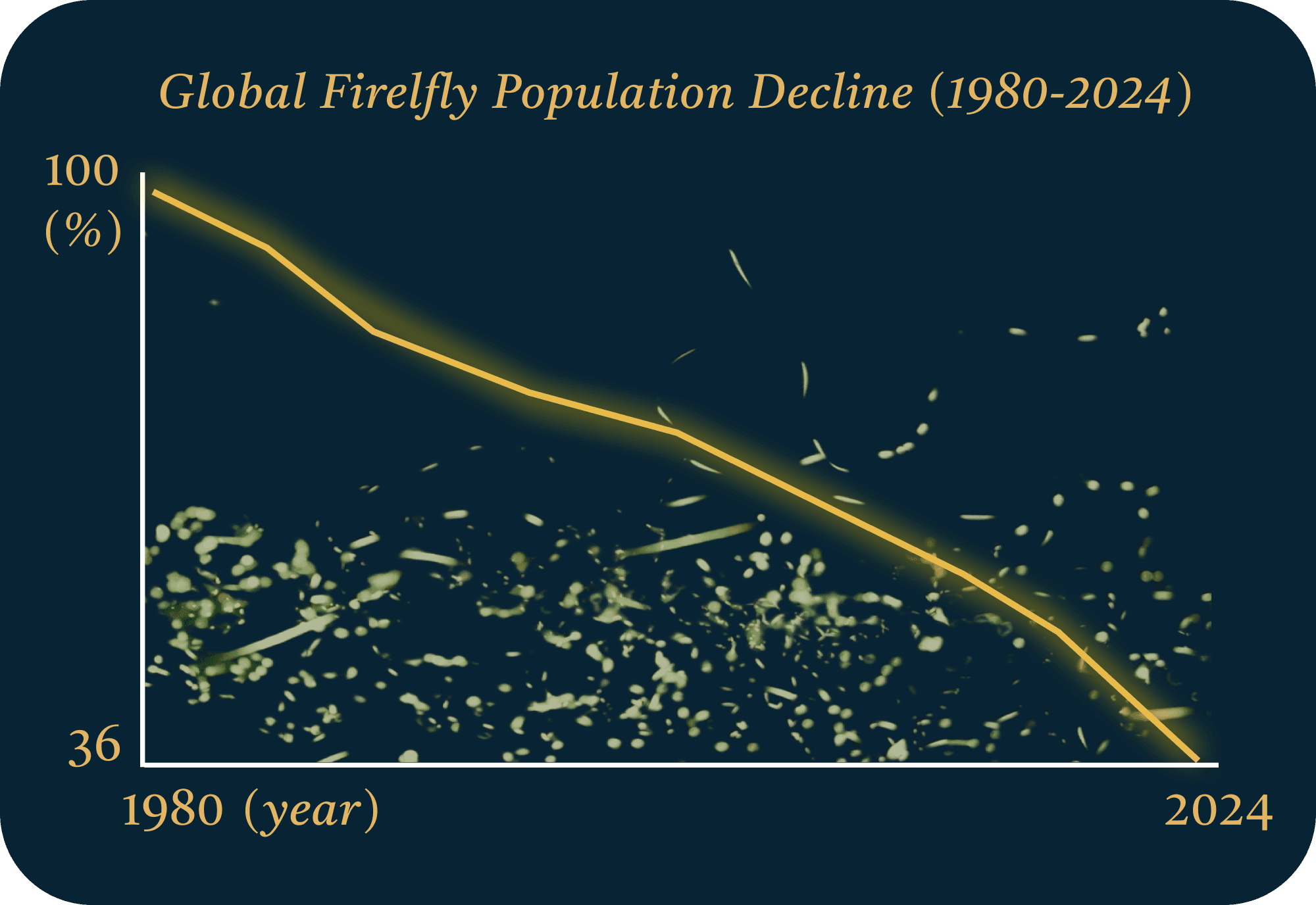
However, in recent decades, reports from Asia and North America have shown a rapid decline of 60% since the 1980s in firefly populations.
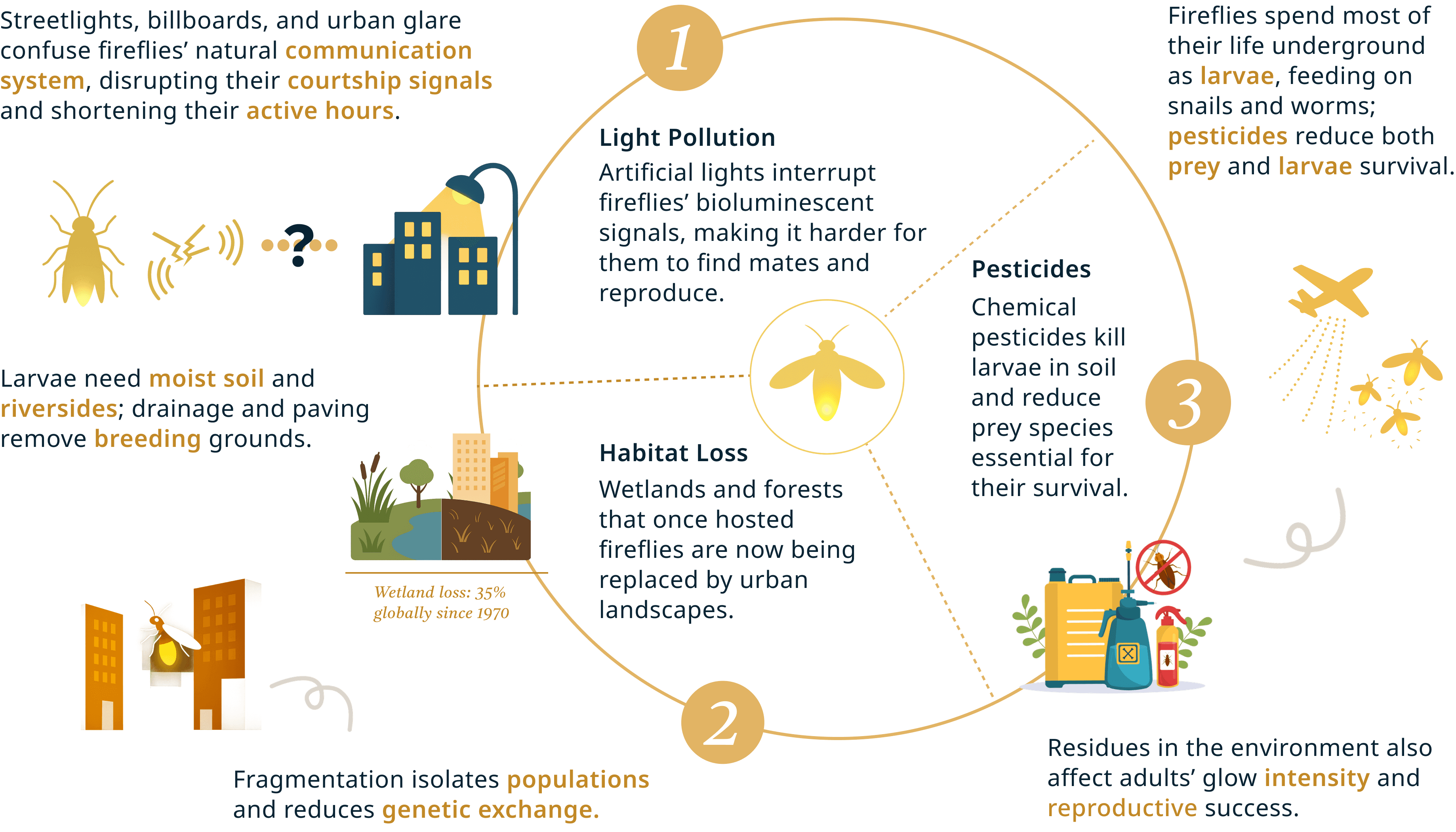
Their decline is no longer a mystery — scientists point to a mix of environmental and human-driven factors.
The Hidden Causes Behind Declination
Awareness Without Action
Despite growing awareness of firefly decline, meaningful action remains scarce. Their disappearance is often seen as a quiet tragedy — acknowledged, yet rarely addressed.
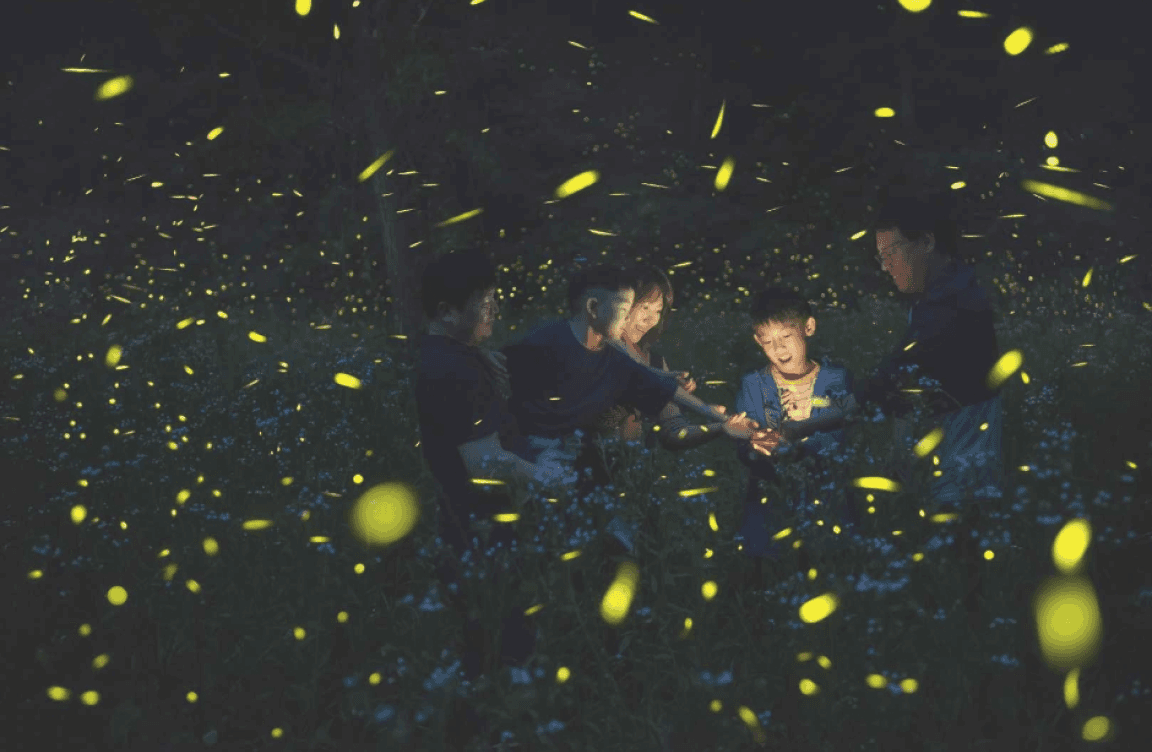
People gather to celebrate the glow, not realizing how artificial lights dim the real ones.
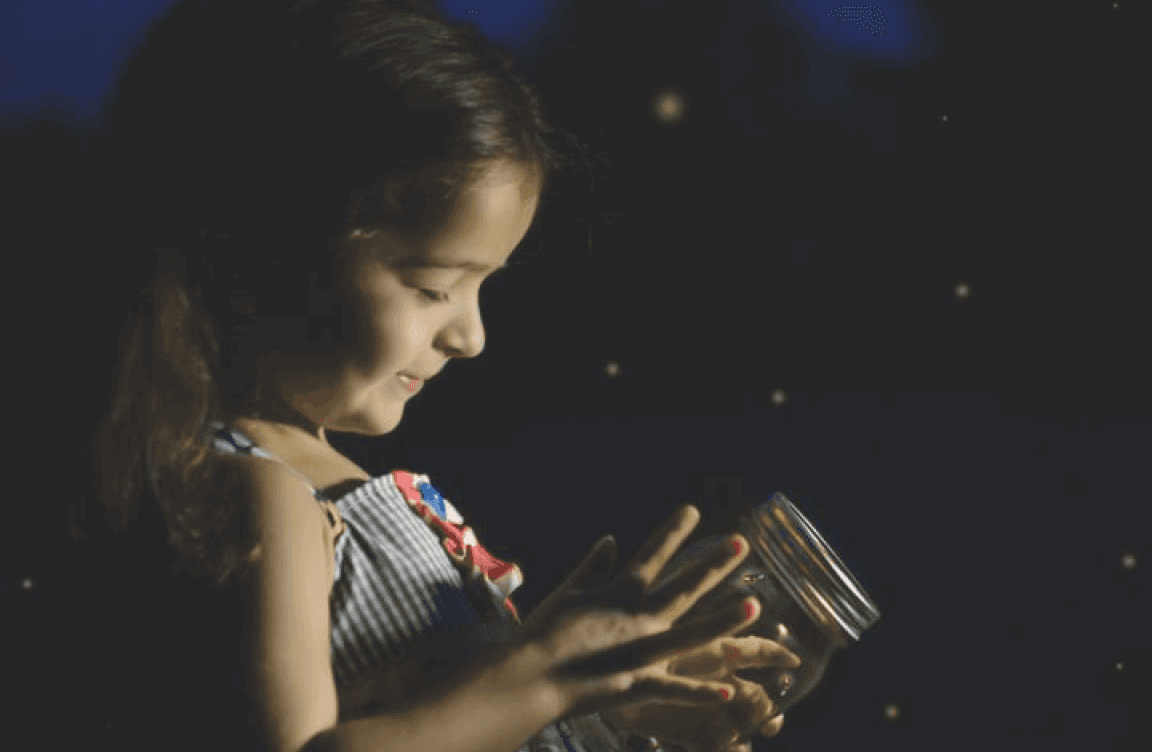
Nostalgia keeps the image of fireflies alive,while their habitats quietly vanish outside the frame.
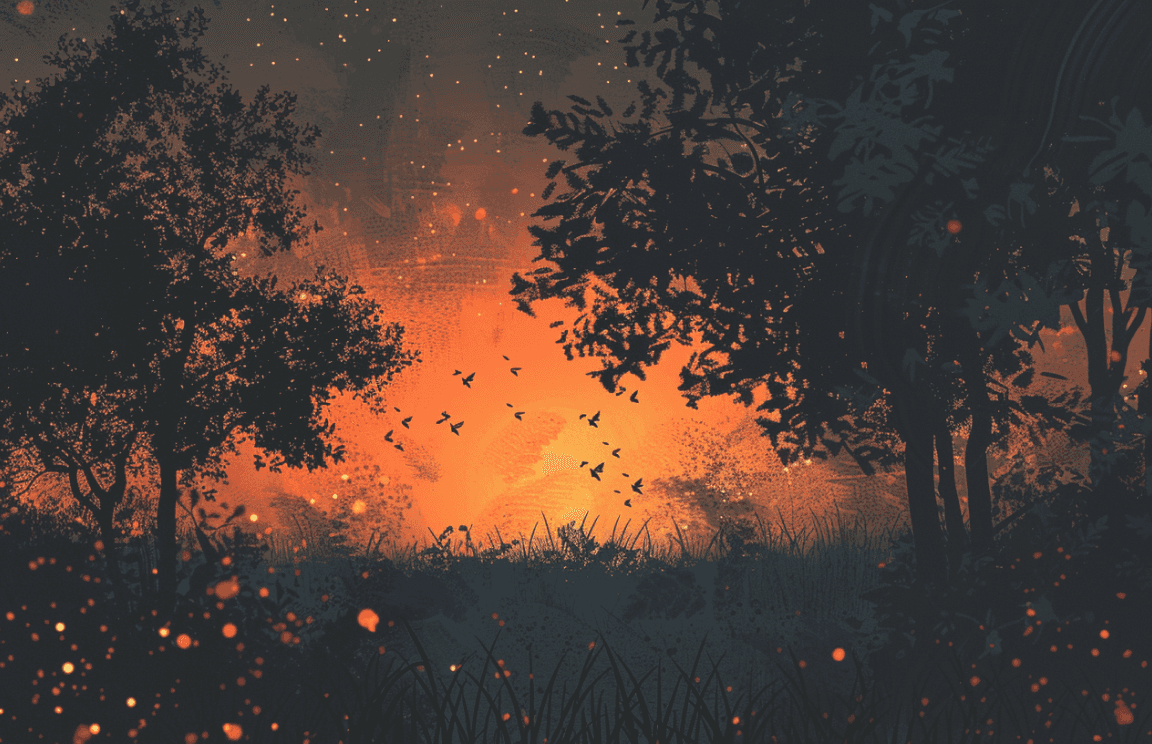
Reports rise, campaigns appear—yet fireflies keep fading from the world they once illuminated.
Festival With
No Understanding
Memory
Without Care
Actions
Not Taken
Further Research
Many Faces of Light Pollution
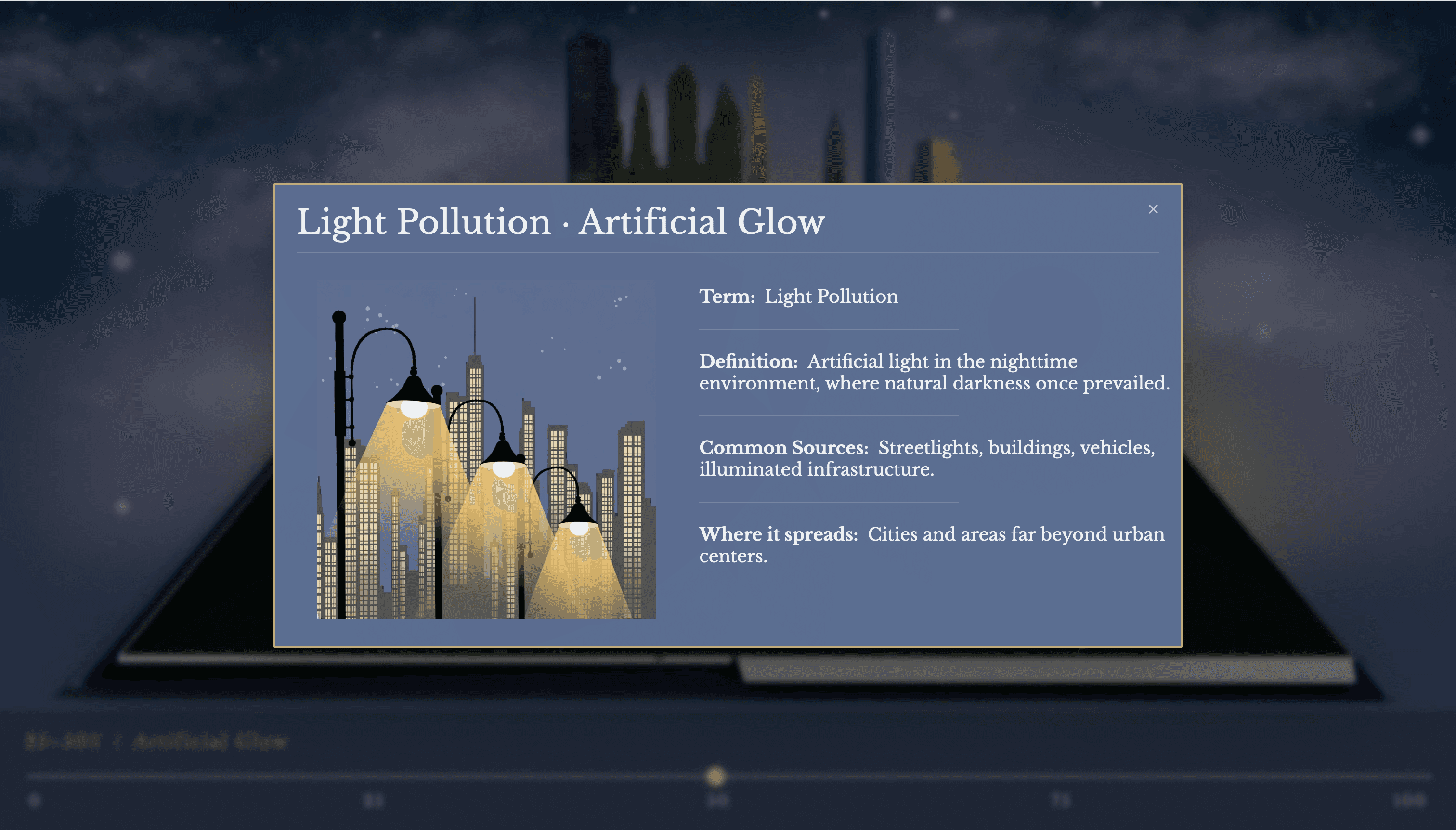
Of all the factors driving their decline, light pollution remains the most critical — a constant glow that erases the night fireflies depend on.
Bright, unshielded lights from streets and vehicles overwhelm the natural darkness.
Glare
Impact: Fireflies’ signals become invisible; their mating flashes are drowned out

Skyglow
Artificial light scattered by the atmosphere brightens the entire night sky.
Impact: Alters emergence timing, and shrinks nighttime activity zones.
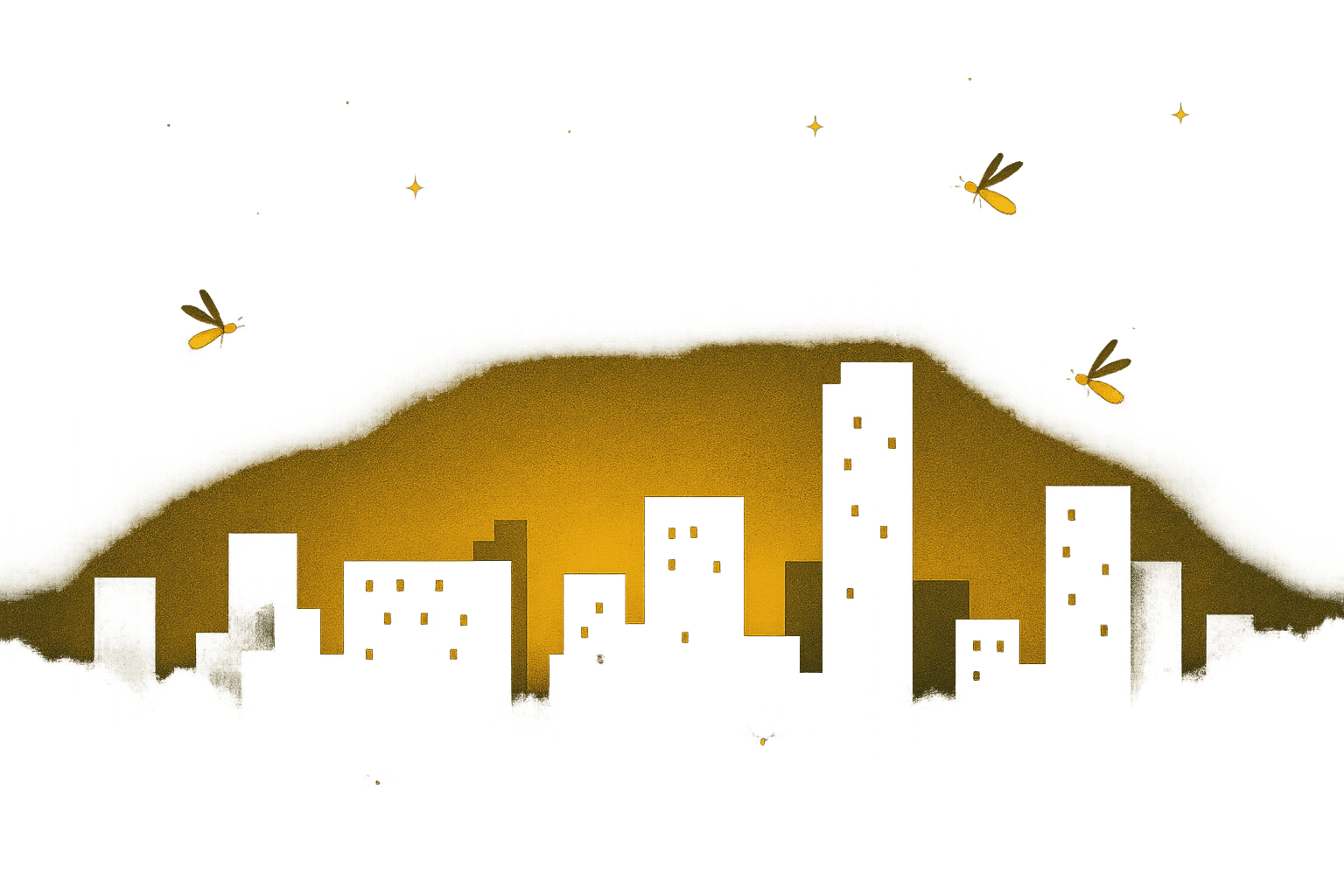
Light from buildings spills into forests and riversides, disturbing once-dark breeding sites.
Light Trespass
Impact: Larvae avoid bright soils and riversides, losing safe grounds for growth.
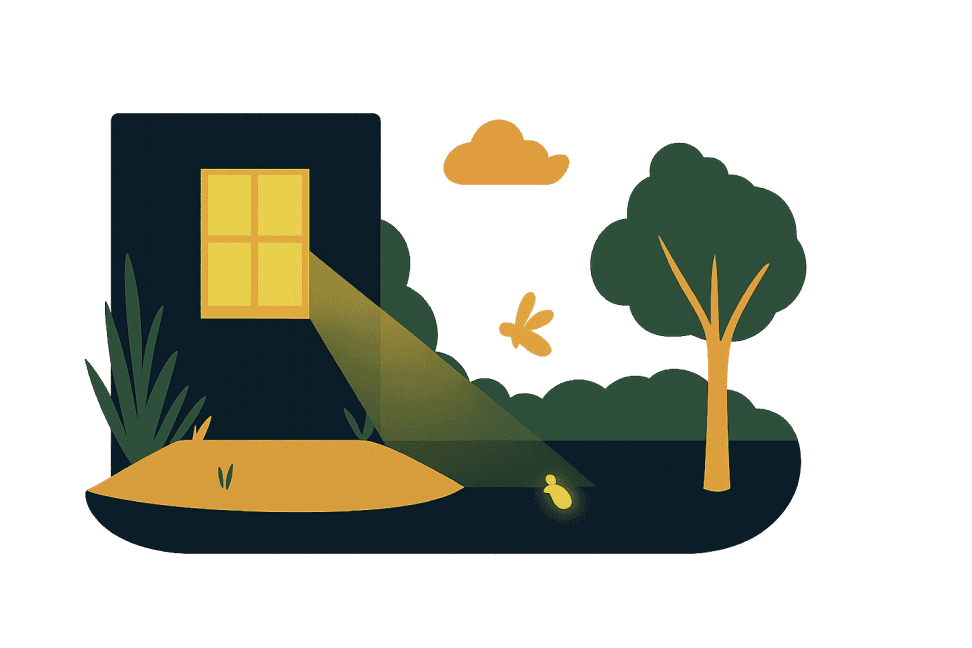
Clusters of flashing lights and ads create a noisy visual environment.
Clutter
Impact: Bioluminescent signals become lost; fireflies fail to locate mates.

Sequence Sketch
This sequence sketch outlines the structure of the interactive experience.
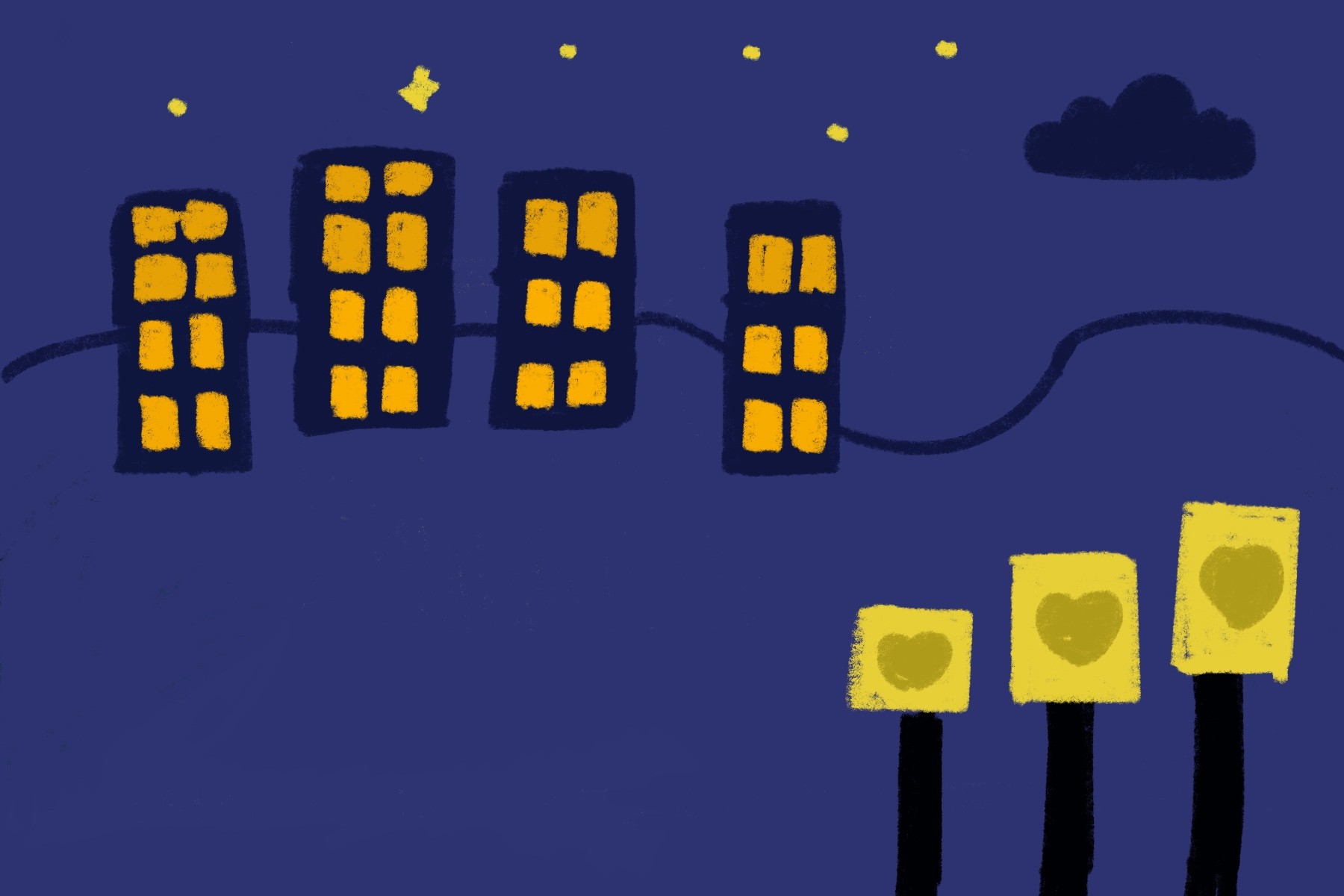
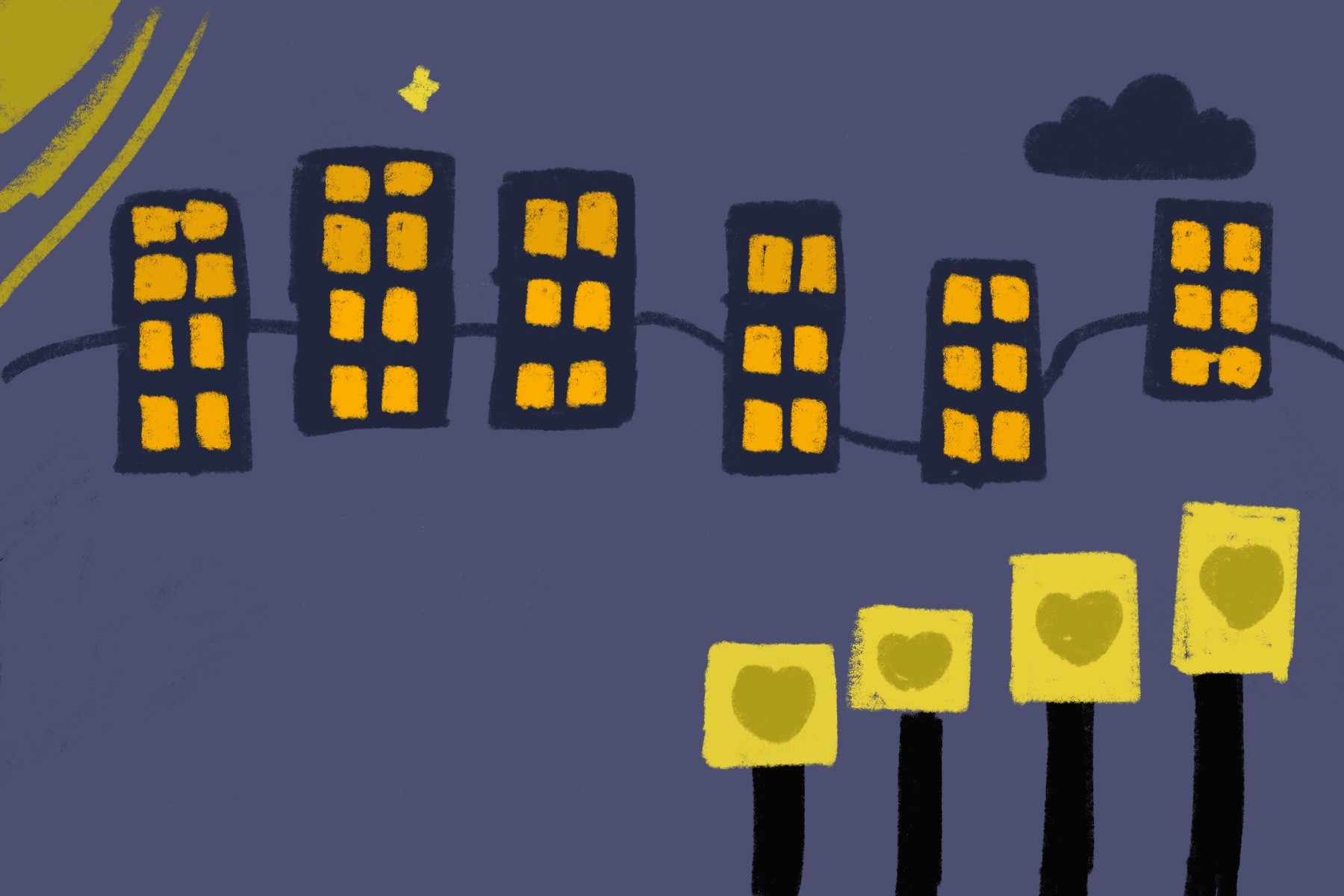
Each frame represents a stage along the light pollution scale, from natural darkness to heavily illuminated environments. As users move through the sequence, changes in lighting conditions and firefly visibility illustrate how increasing artificial light impacts nighttime ecosystems.
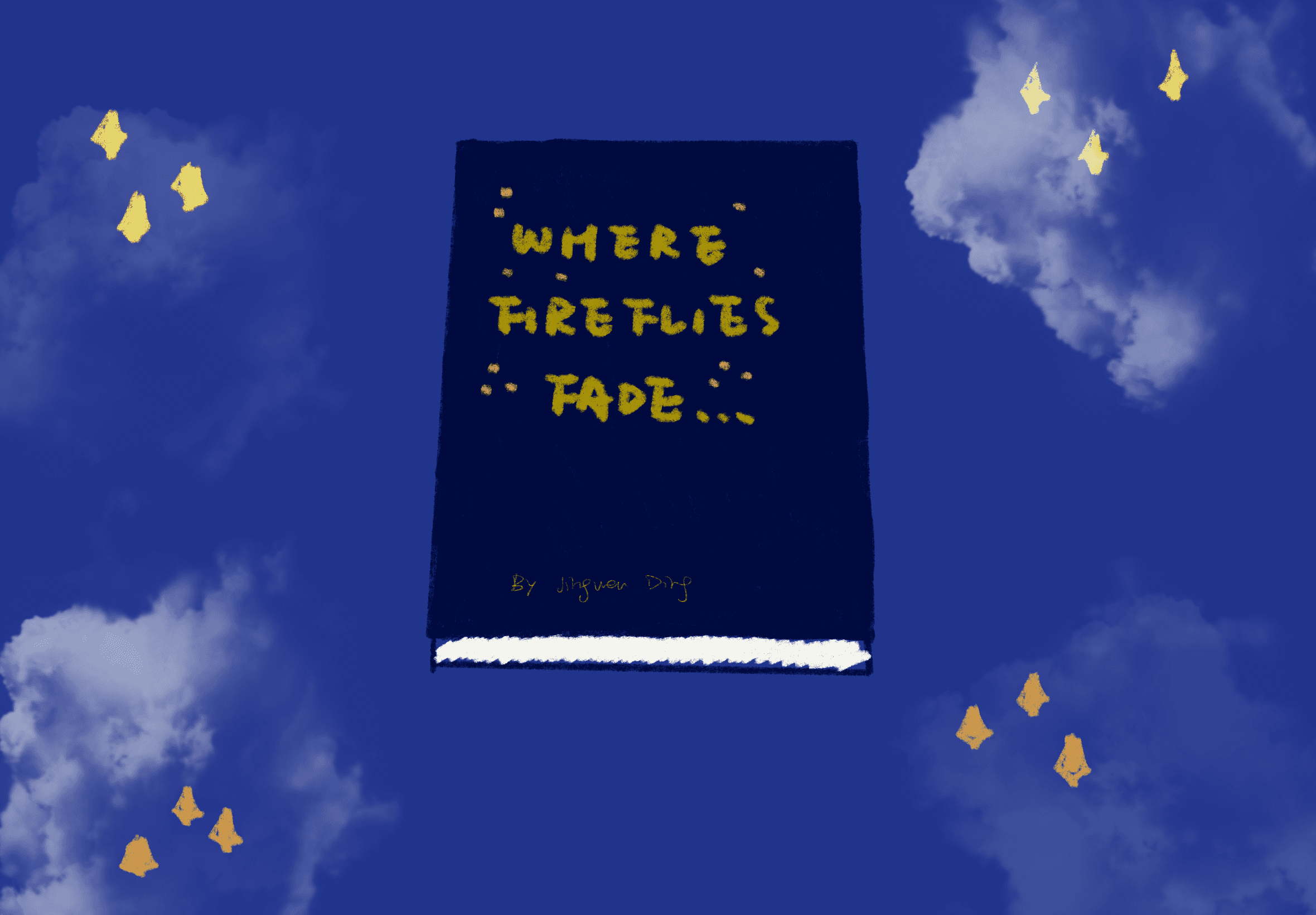
Open the Book
0%
25%
50%
75%
100%
0%
25%
50%
75%
100%
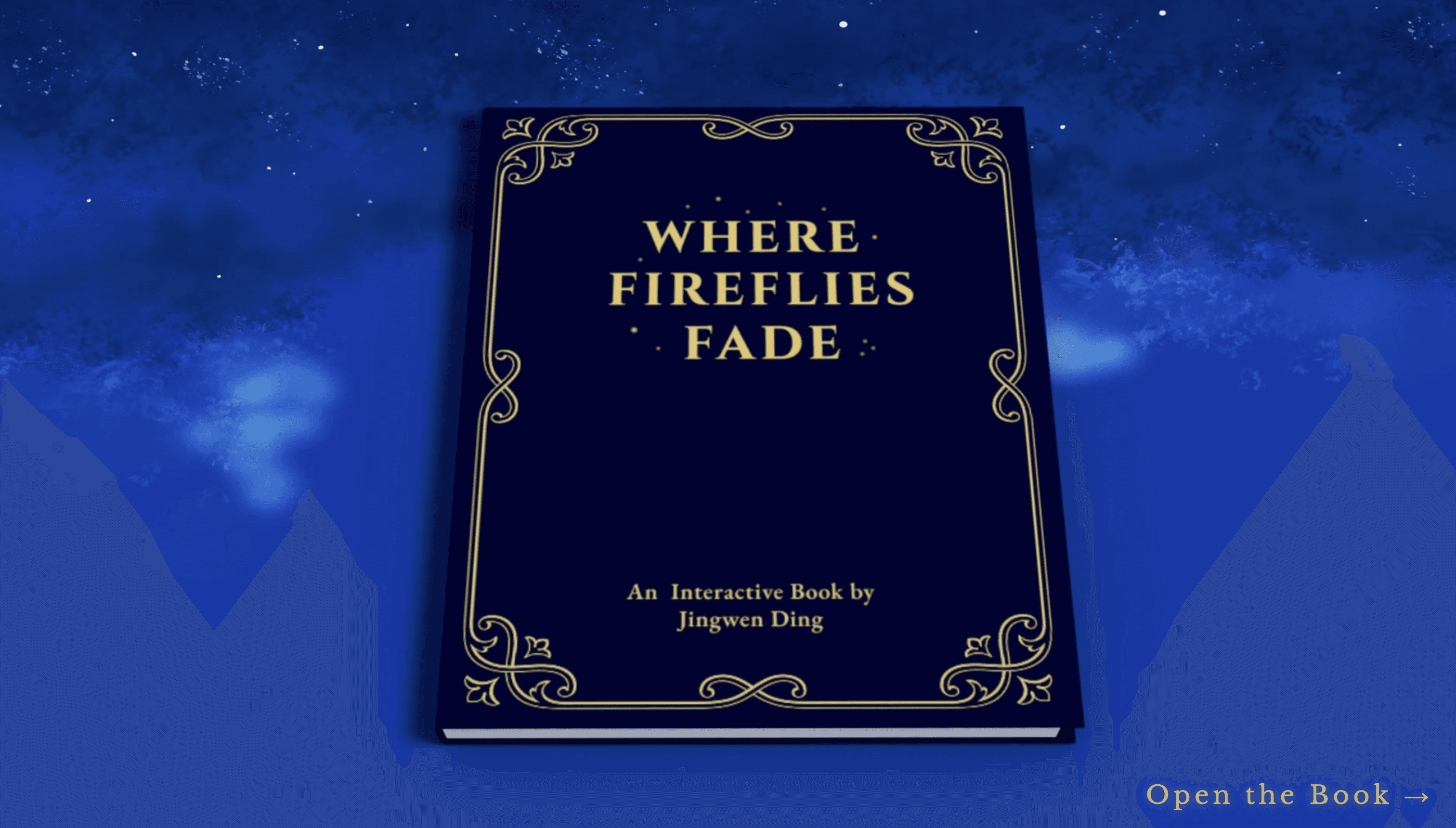
This scene serves as the entry point of the project.
The closed book represents the start of the experience.
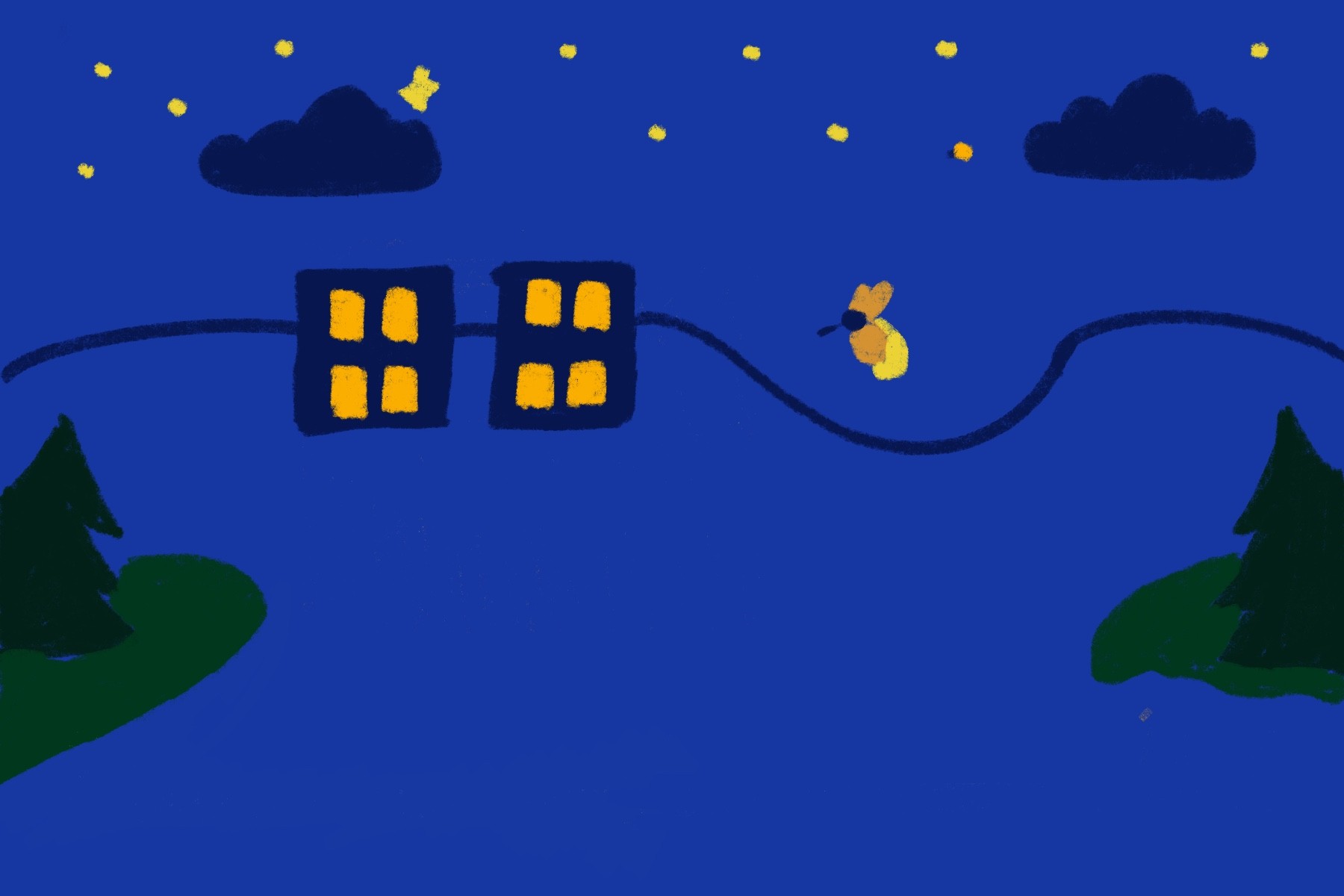
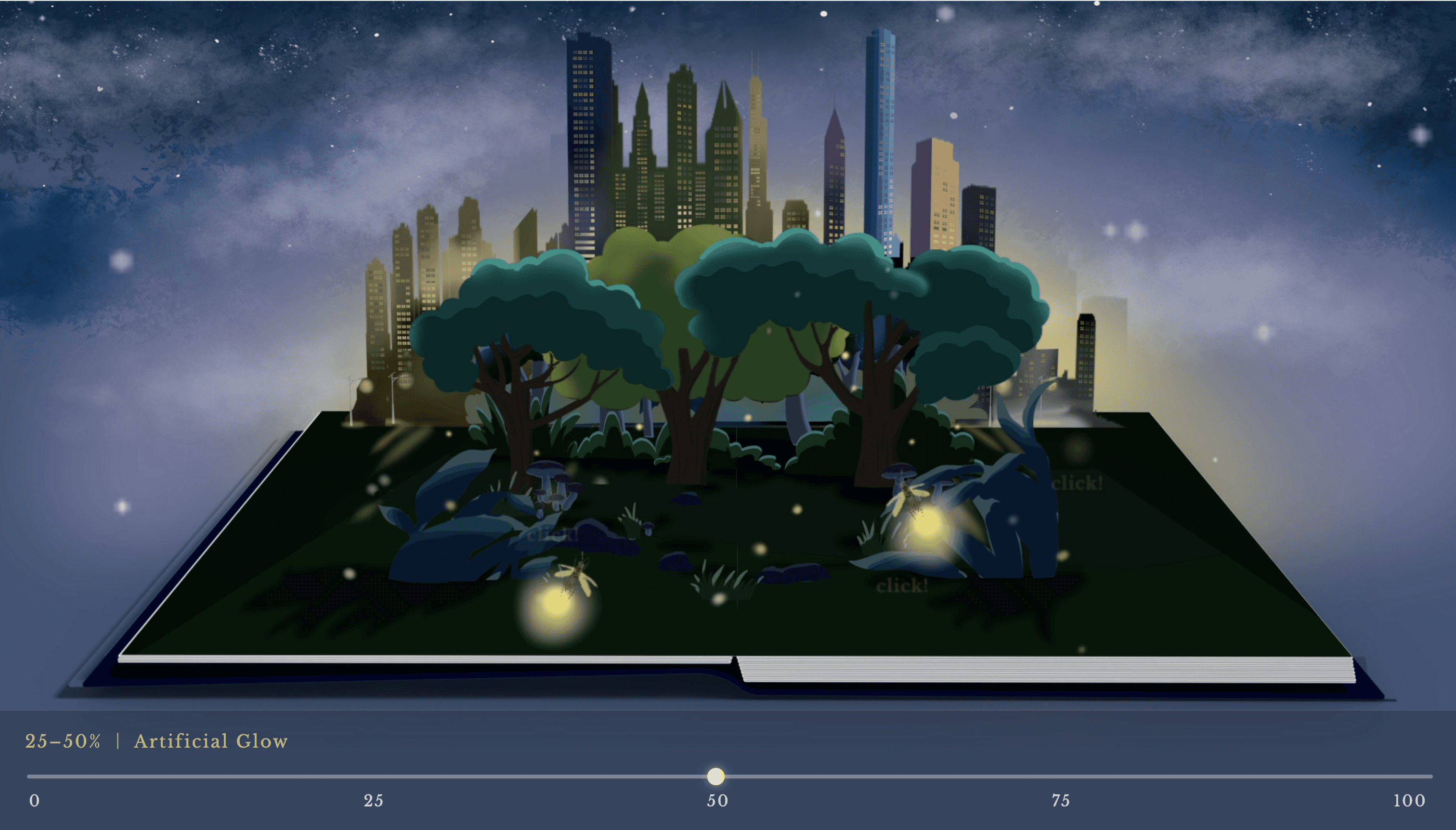
25% - 50%
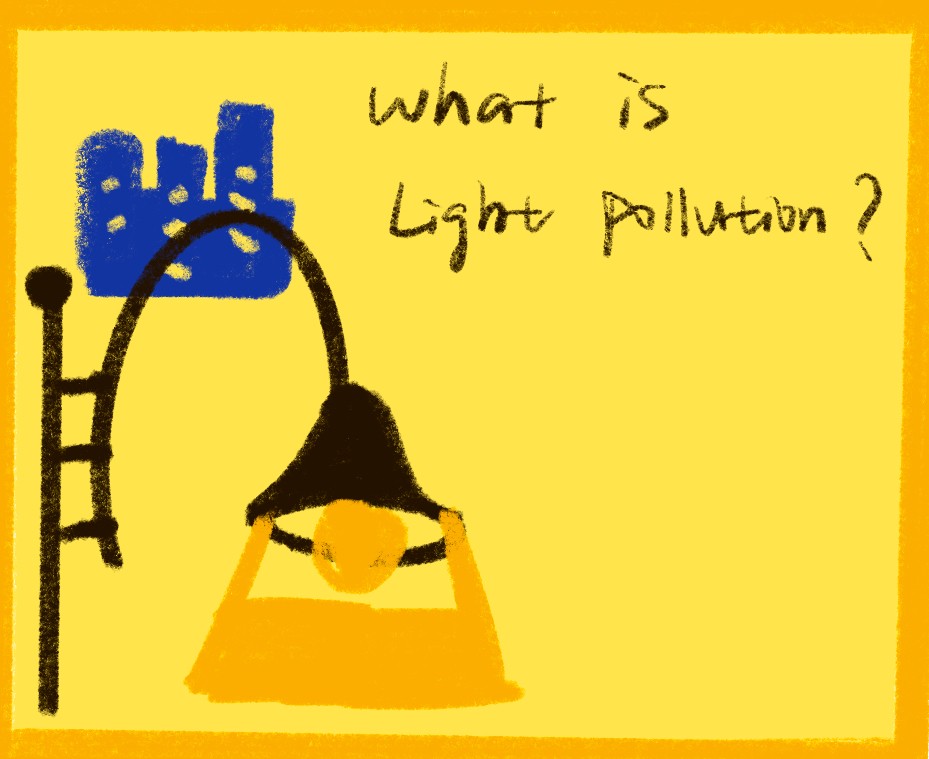
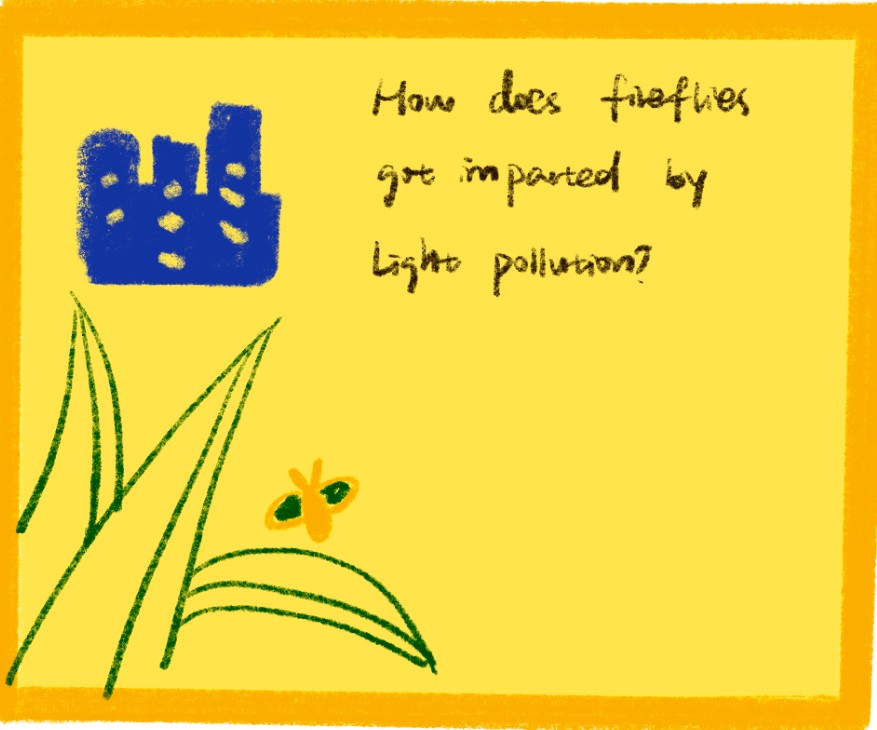
As artificial light sources begin to appear, overall brightness increases. Users can click to learn the introduction of light pollution.
50% - 75%
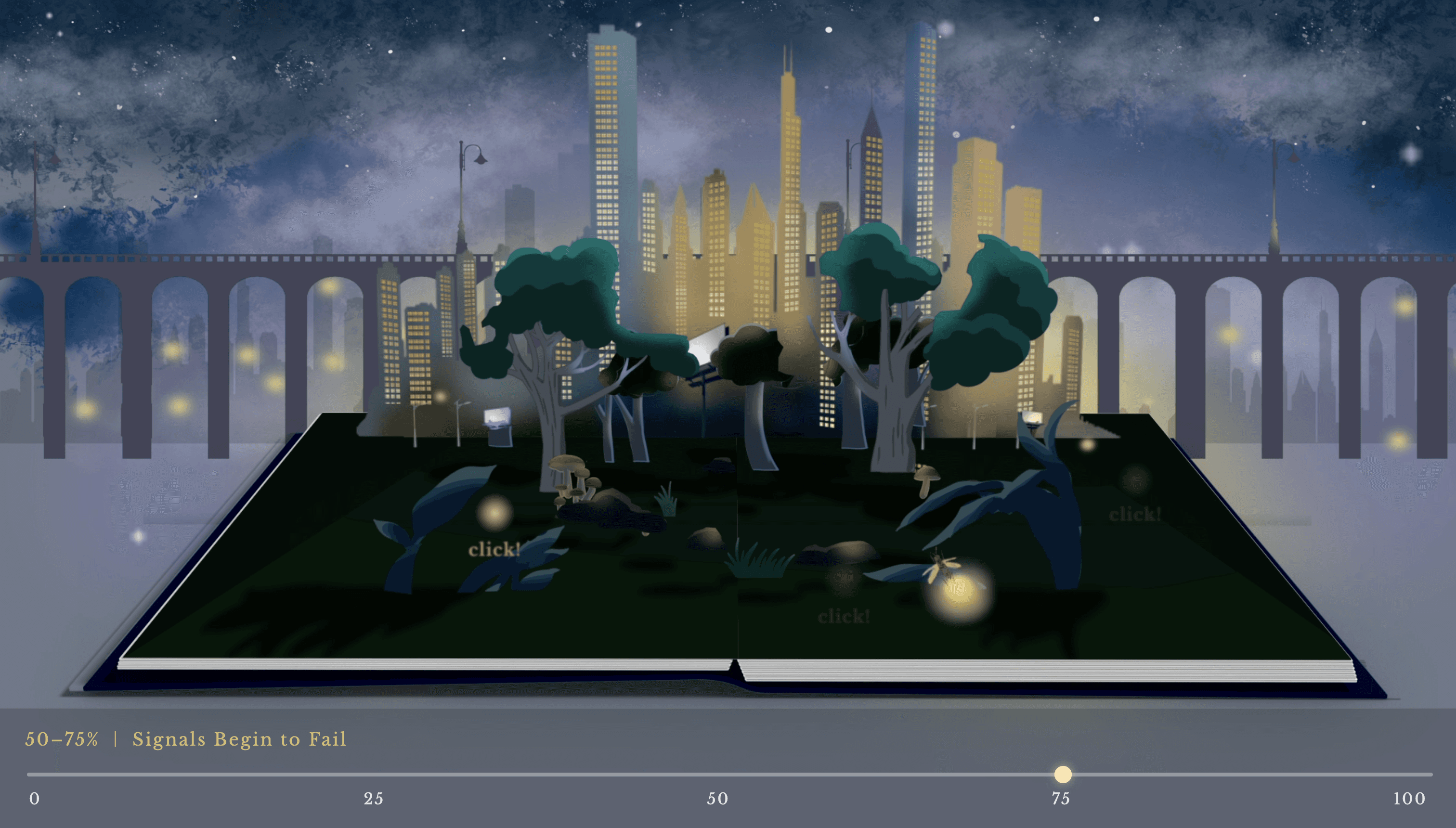
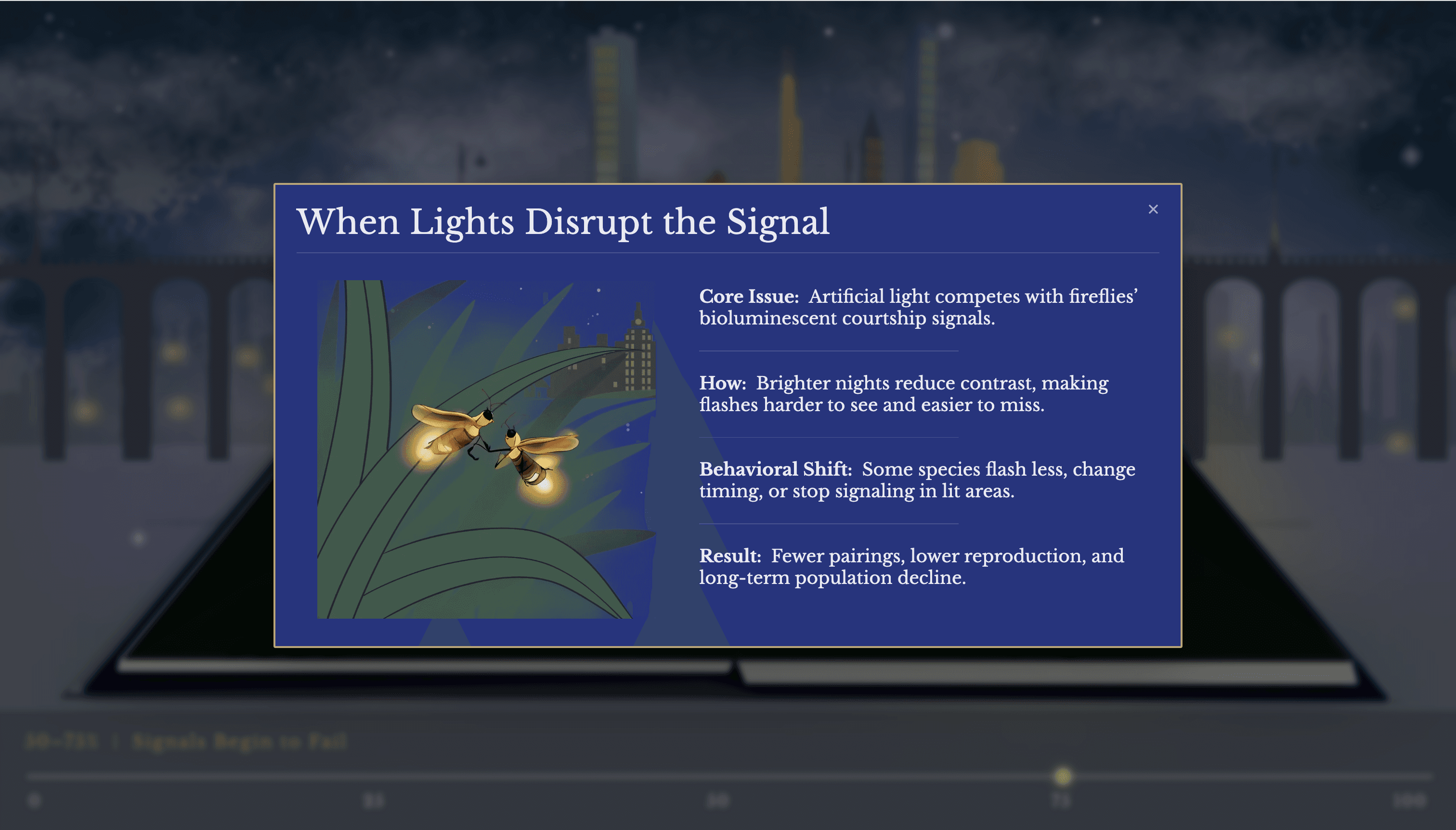
With moderate to high light pollution, artificial lighting interferes with firefly communication. User can click to see how fireflies got impacted.
75% - 100%
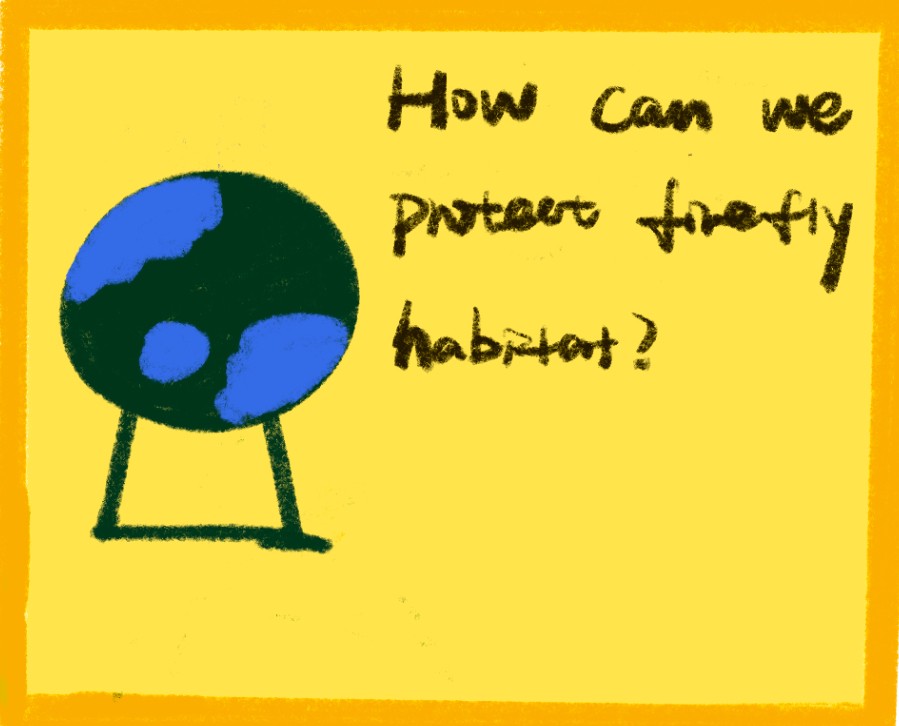
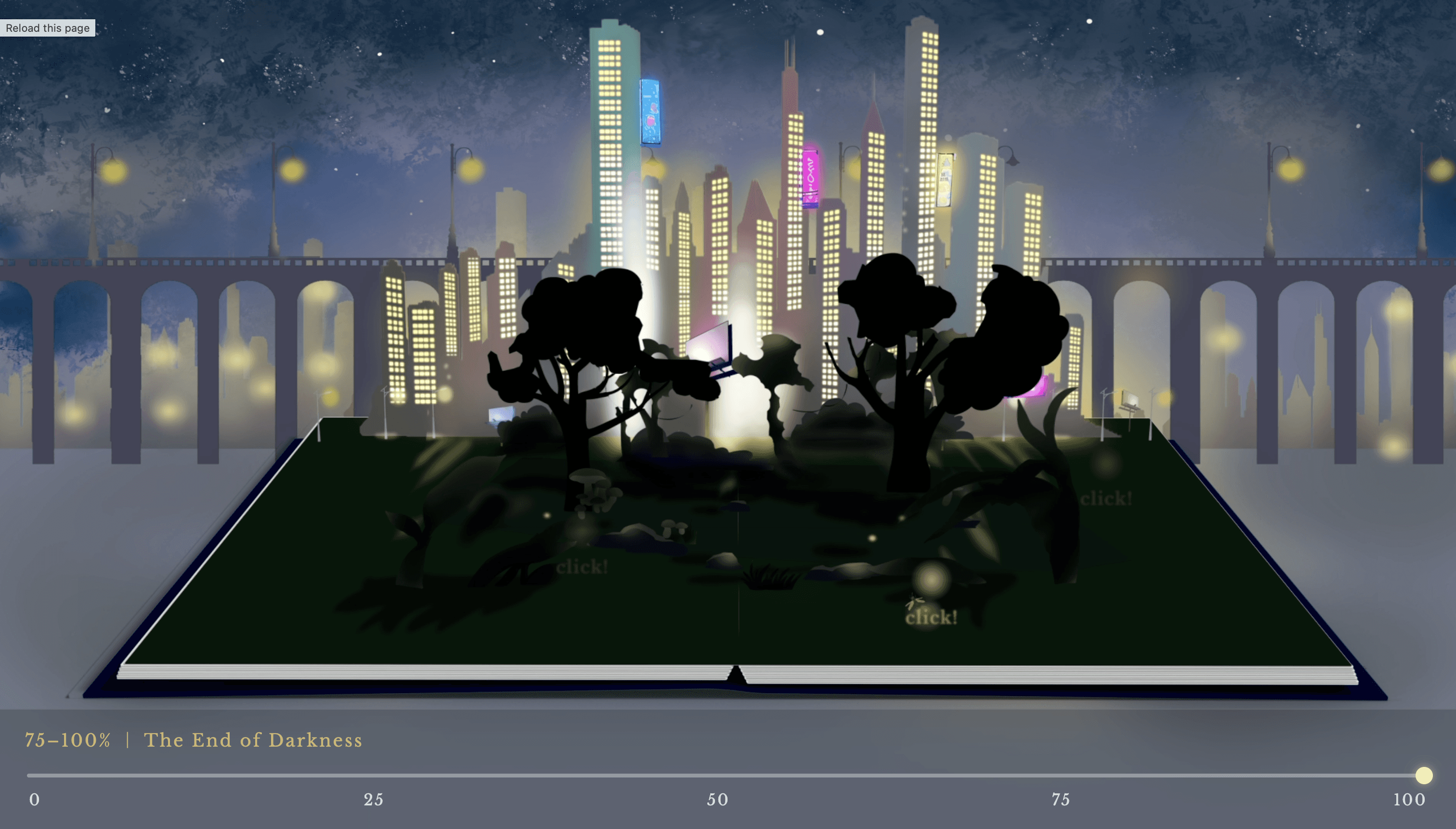
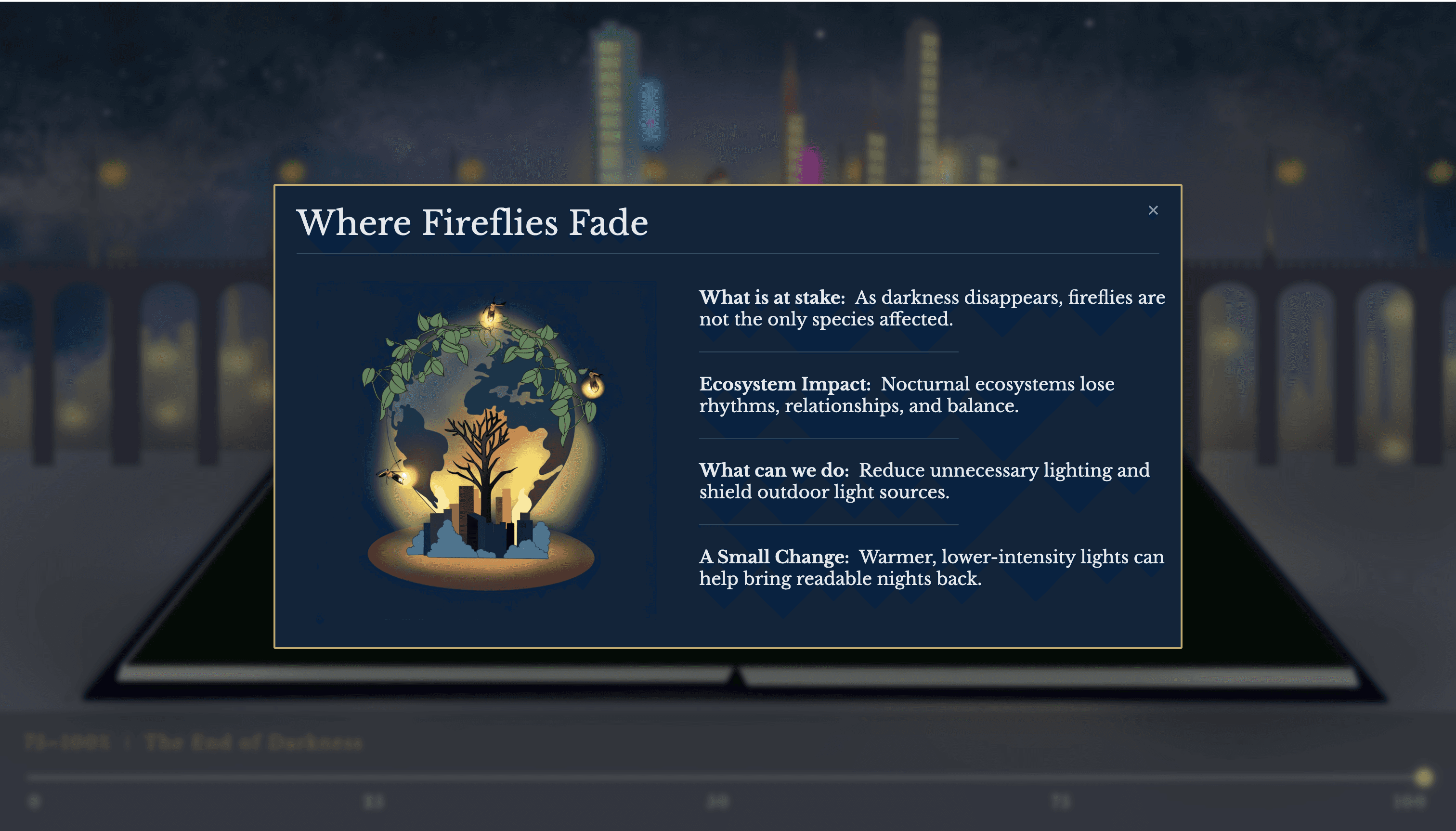
At high levels of light pollution, natural darkness is largely lost. Users can click to learn about how we can protect the firefly habitat.
Light Pollution Scale
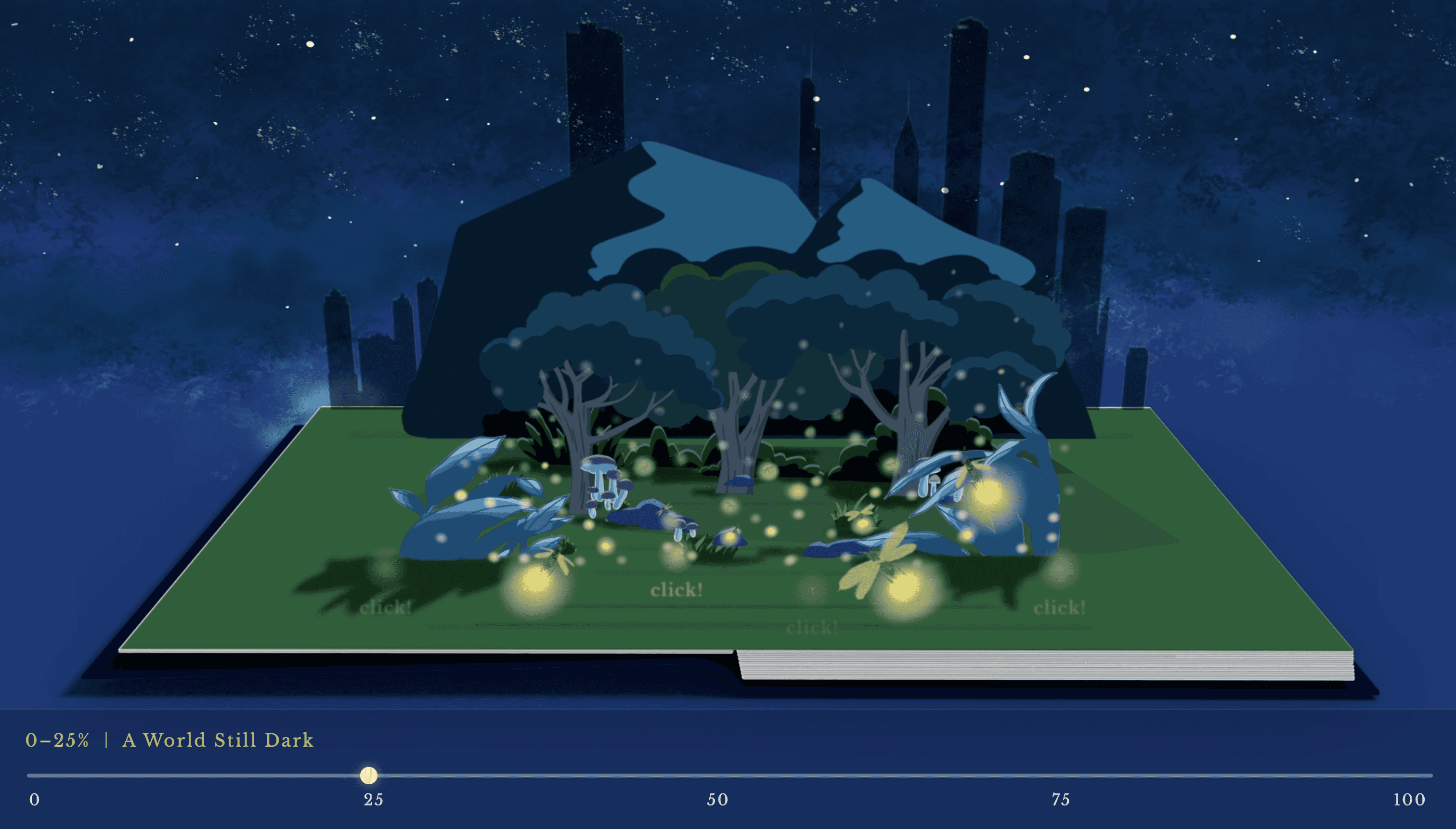
This scene explains the main interaction mechanism. The slider represents increasing levels of light pollution.
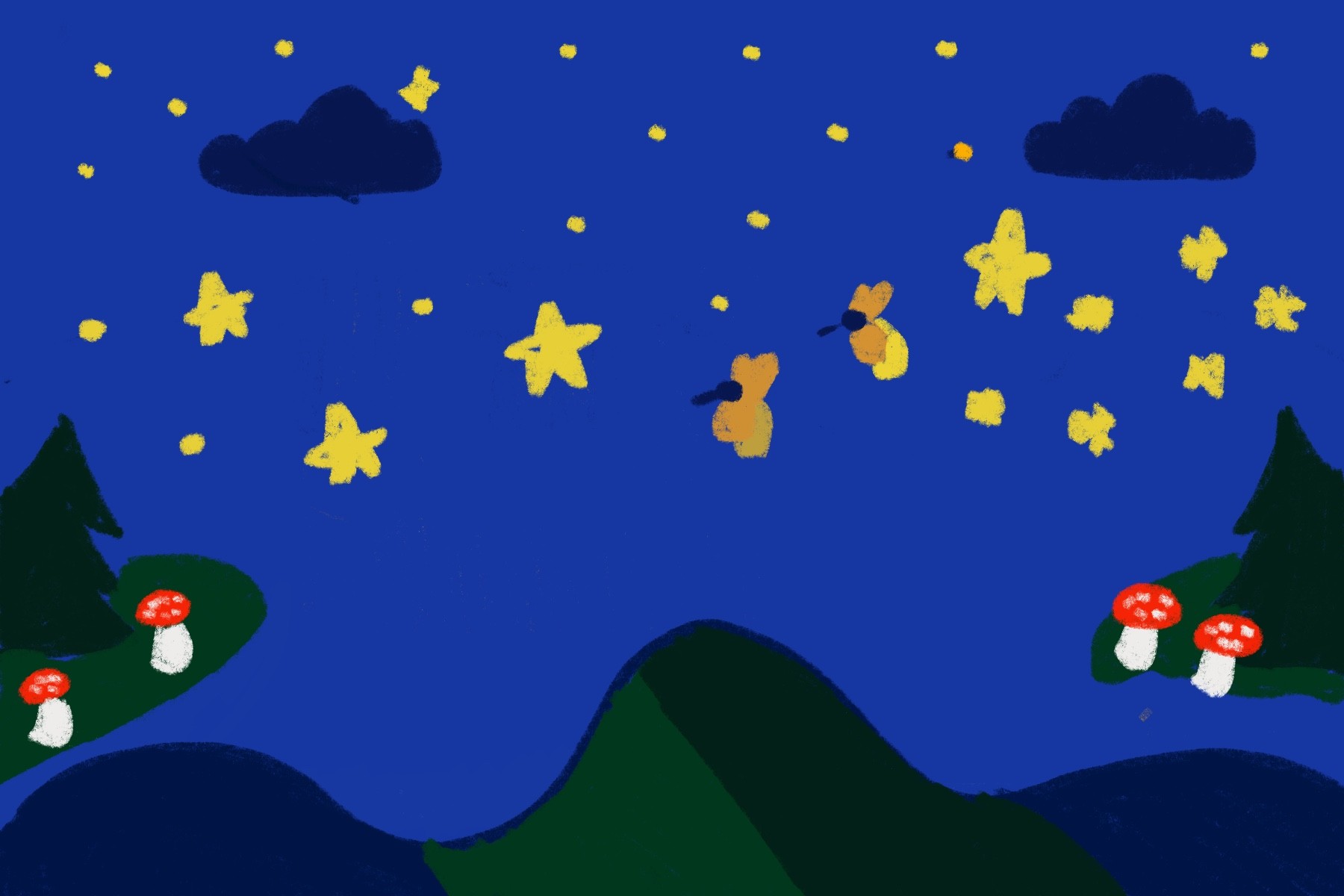
0% - 25%
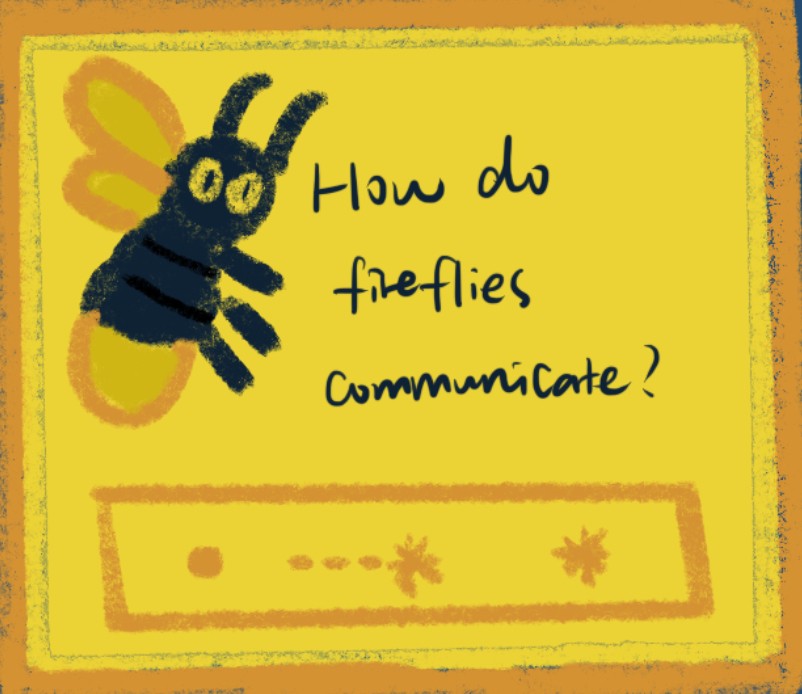
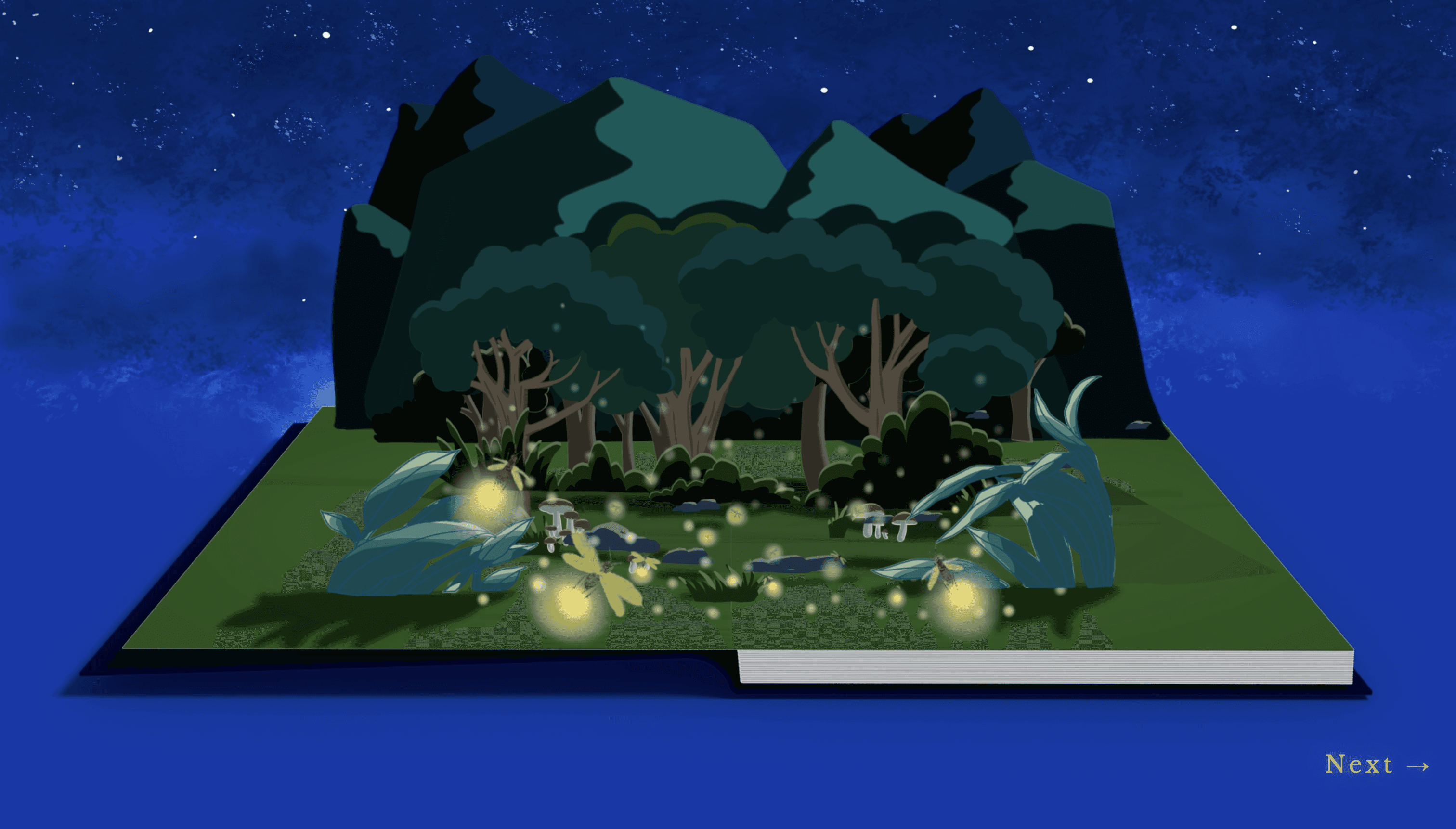
At low levels of light pollution, the environment remains naturally dark. Users can click to see introduction of firefly.
0%
25%
50%
75%
100%
0%
25%
50%
75%
100%
Design Visualization
Design Visual Elements
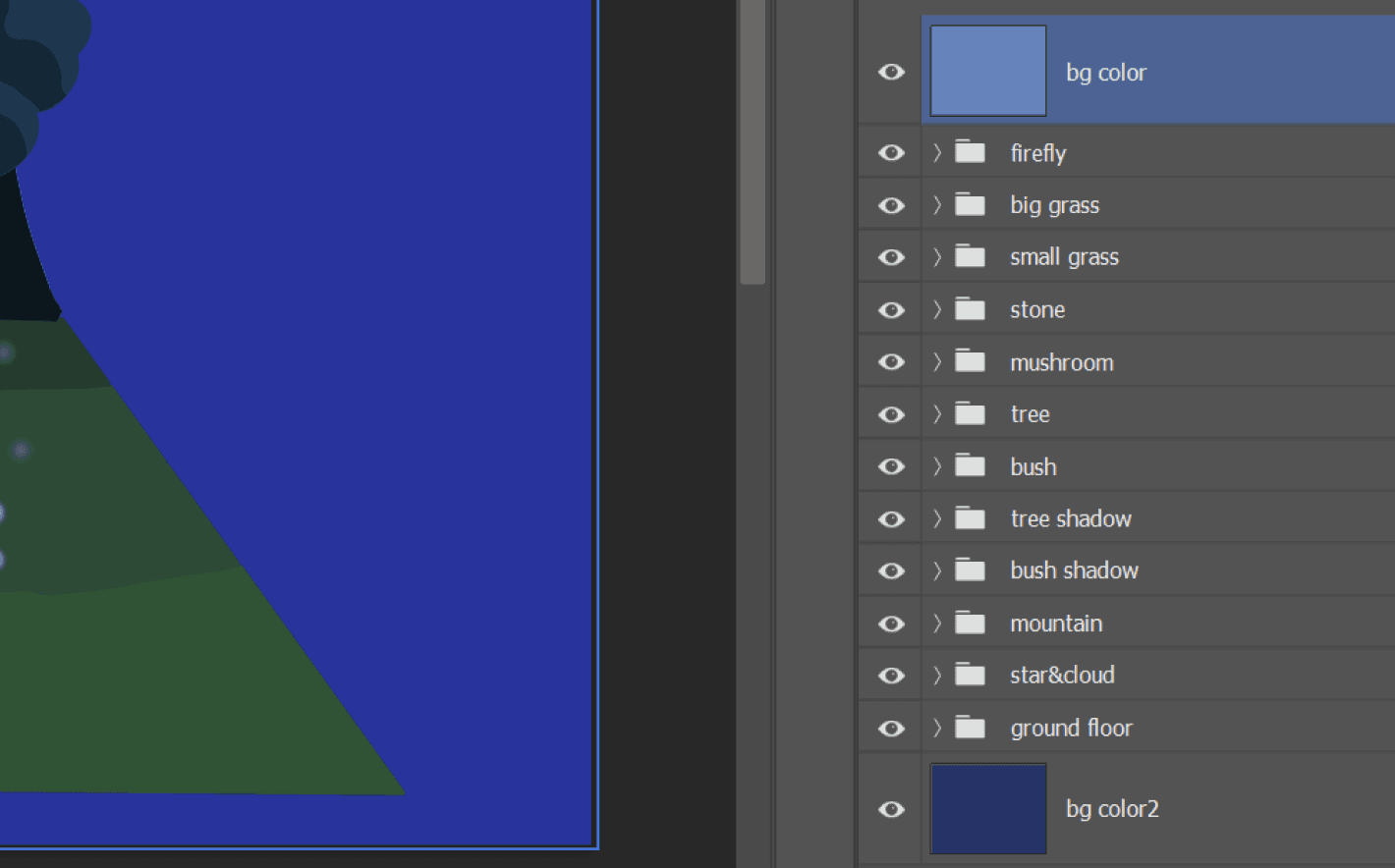
Assets Organization & Edit in Photoshop
Scene Illustration &
Visual Development
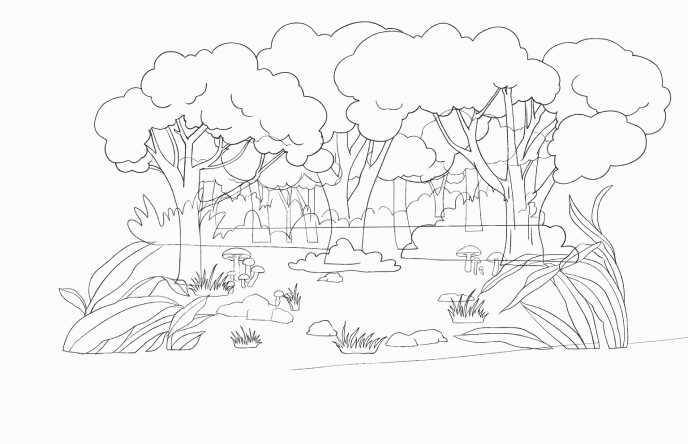
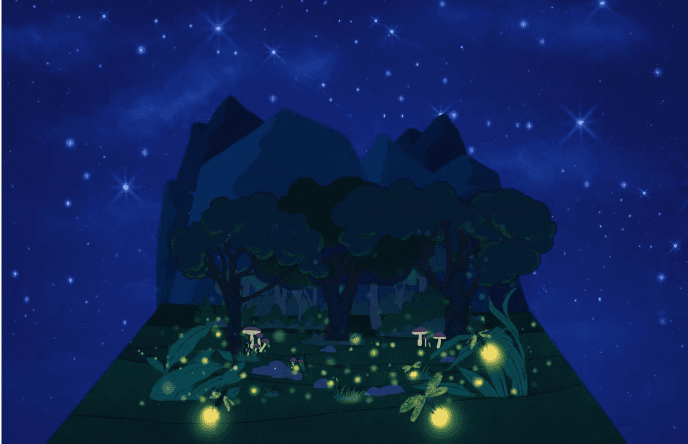
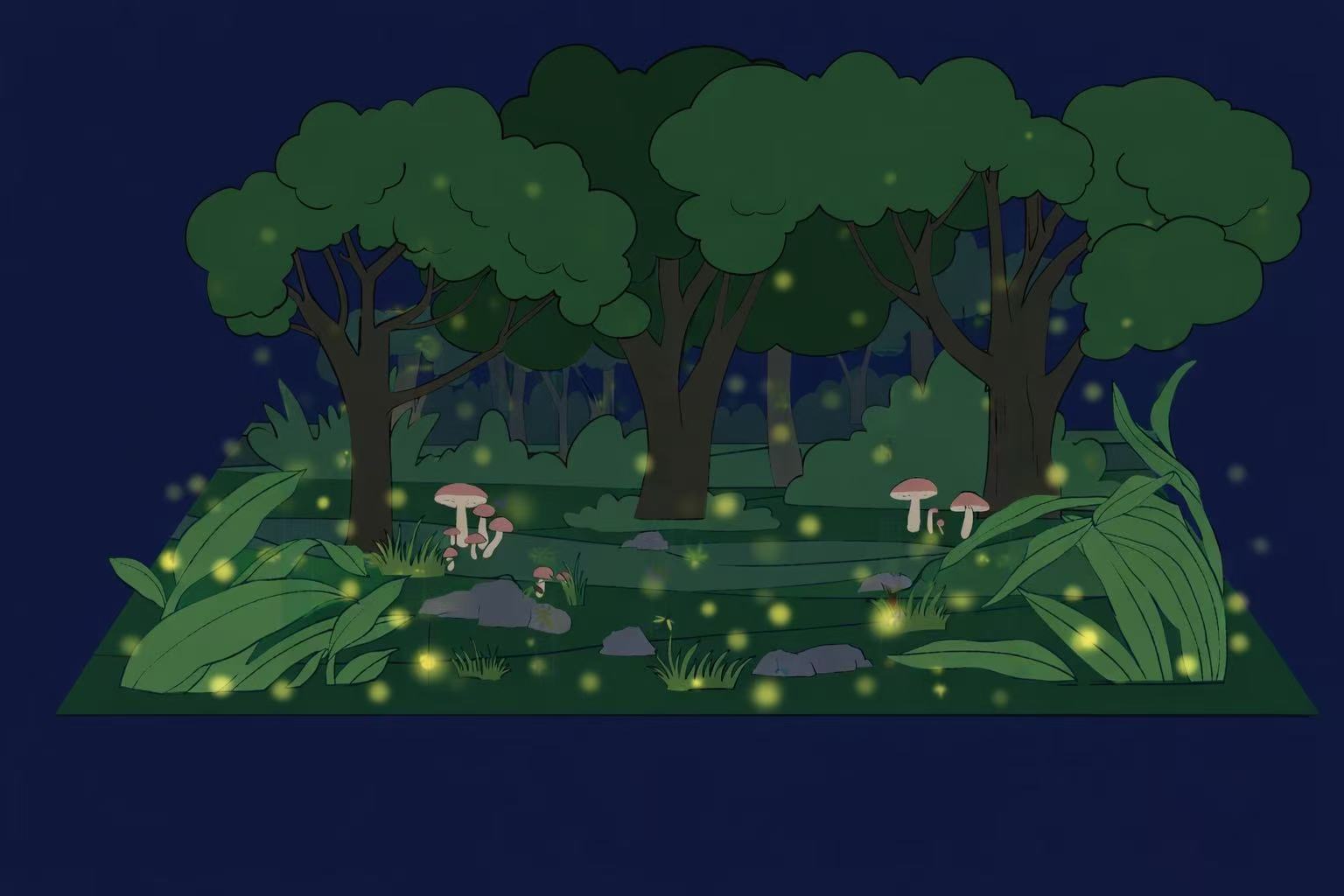
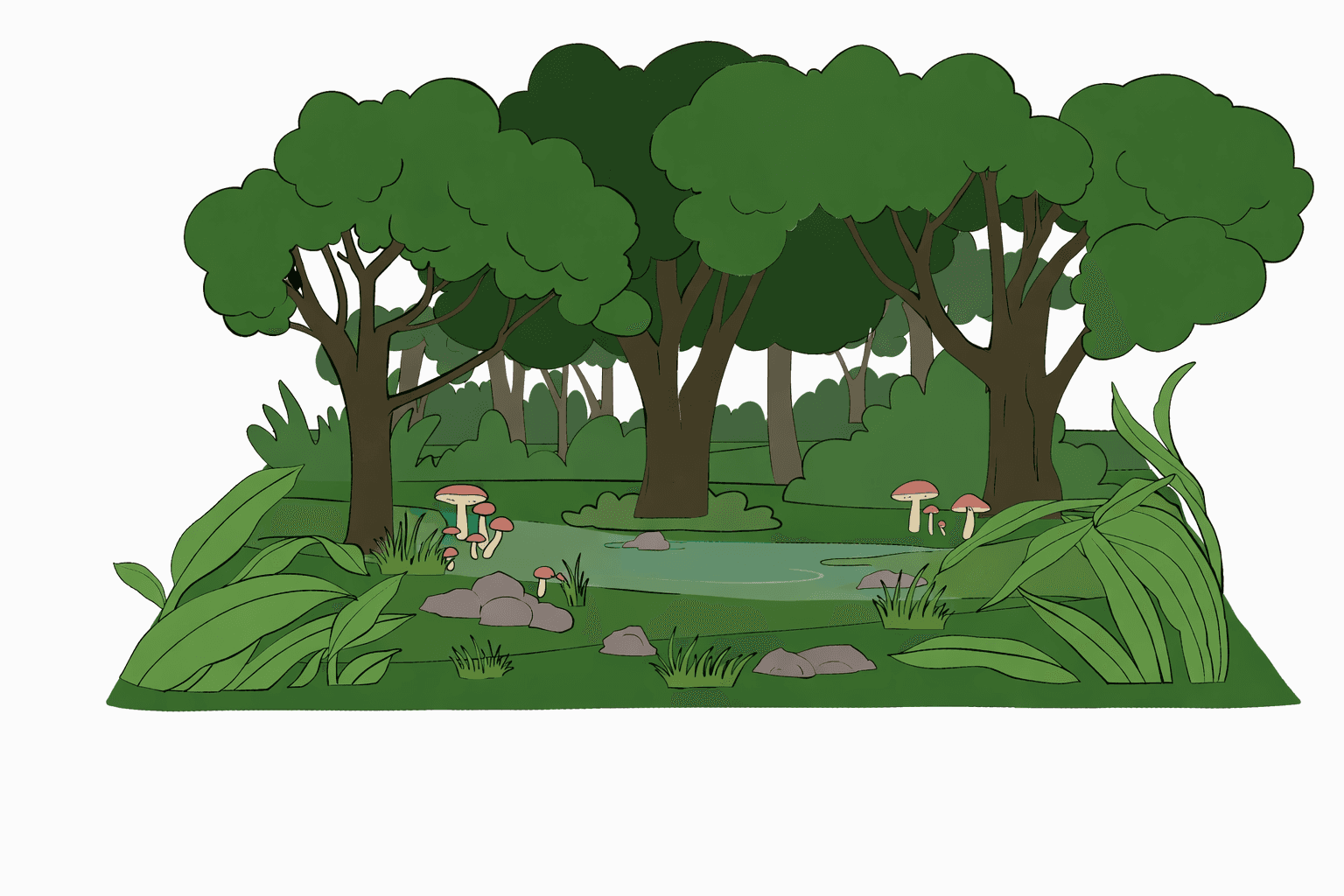
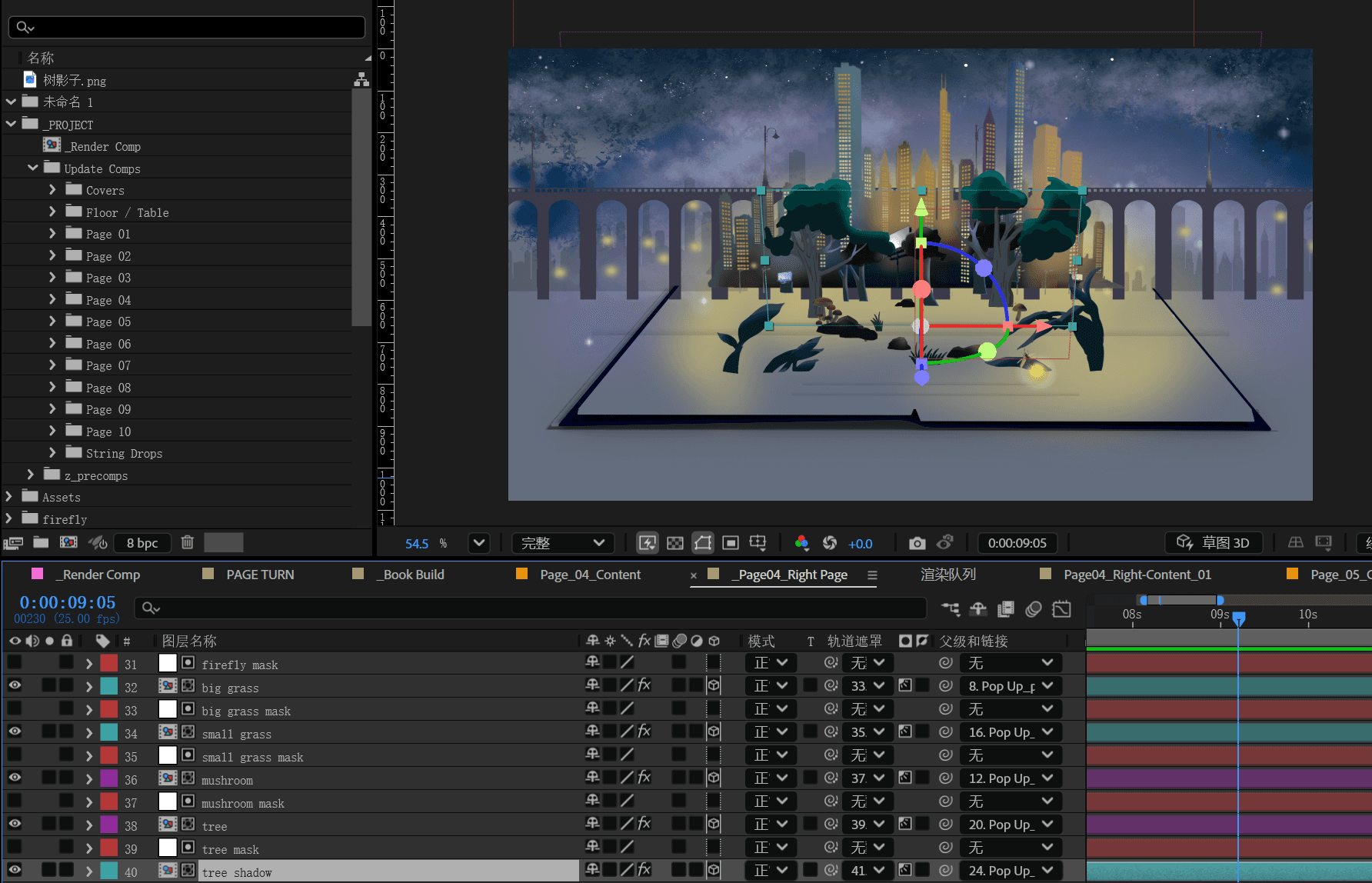
Layered Content per
Page in AE
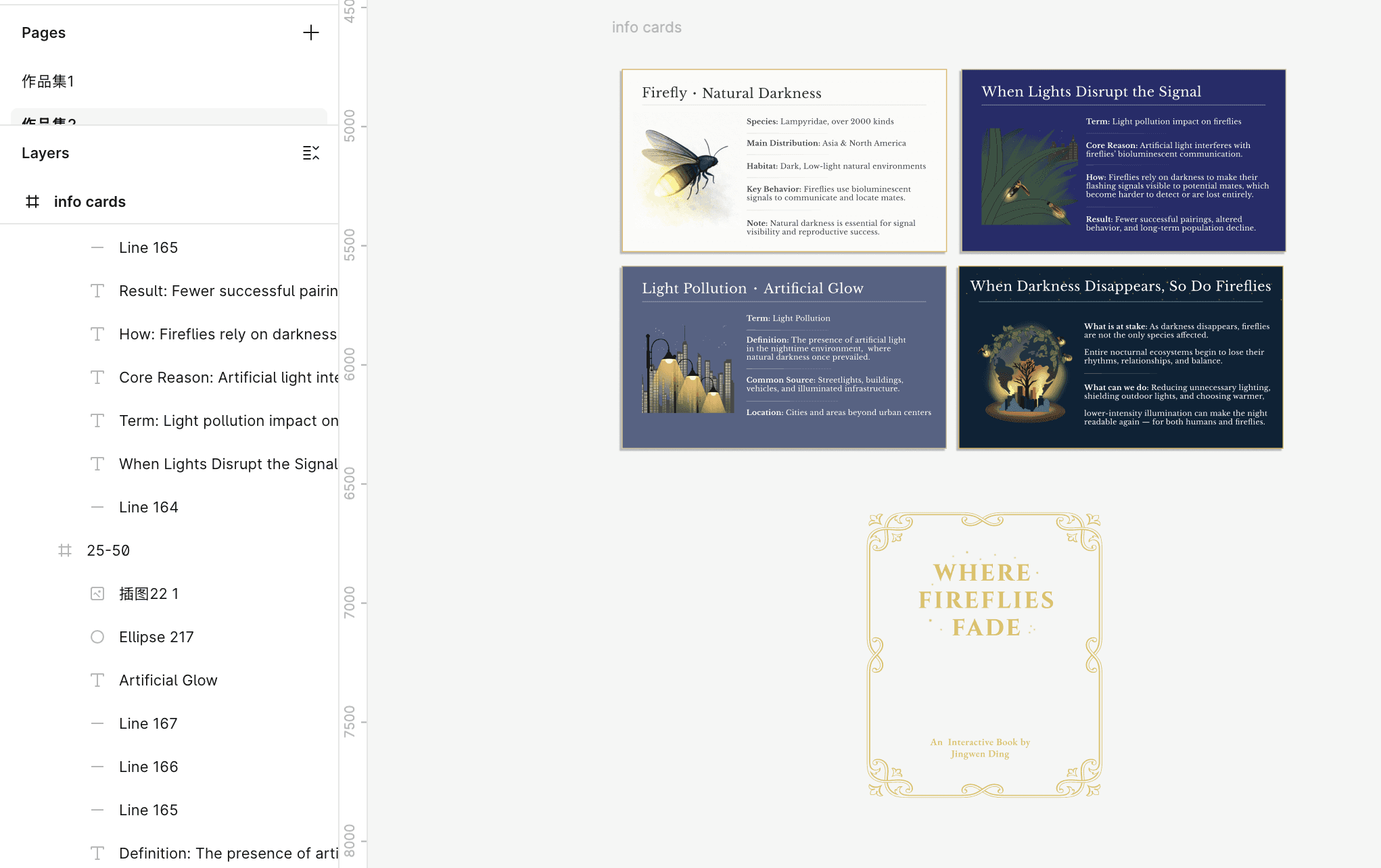
Design card &
cover style in Figma
Storybook Animation Visualization
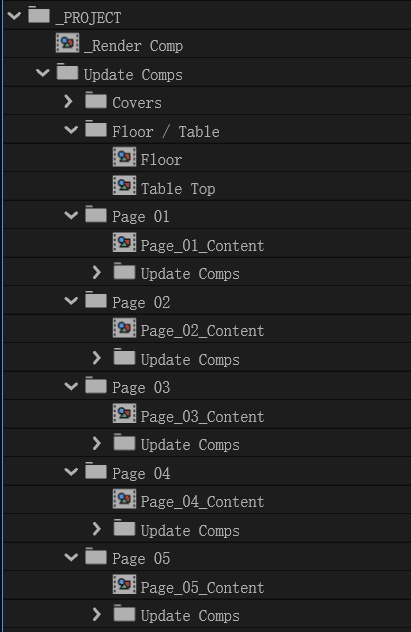
Structure
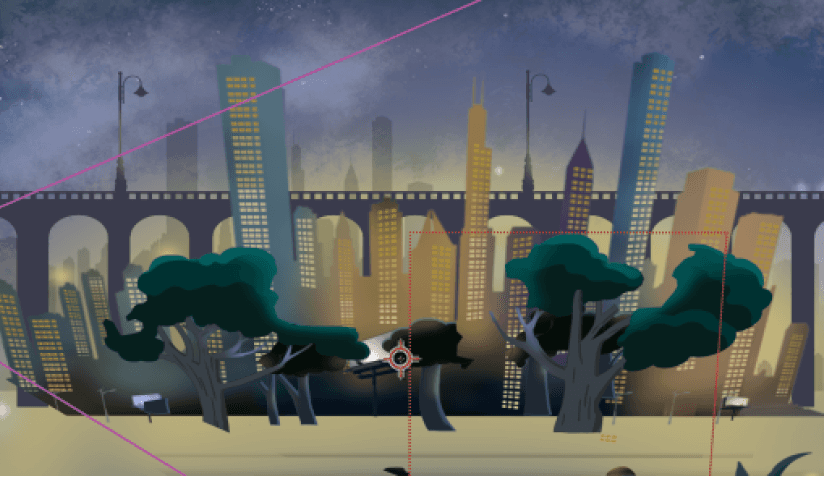
Each storybook page is constructed as an independent content group, enabling complex layered elements to be animated and controlled as a unit.
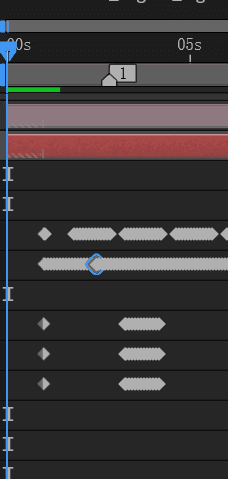
Page
Turning
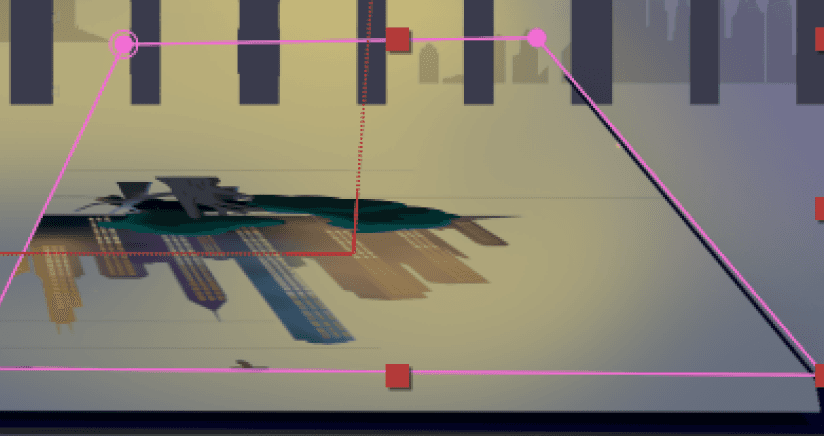
The page-turning effect is achieved through a sequence of controlled animation states, simulating the physical motion of turning a book page.
*key frame
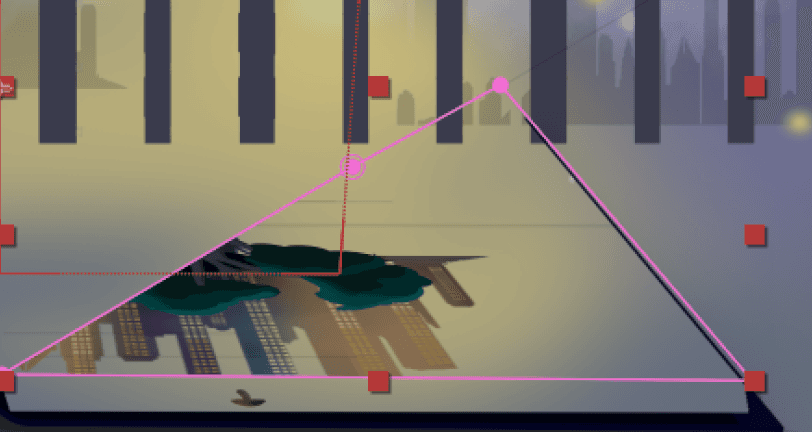
Smooth
Transition
Layer masks are applied to individual elements to ensure smooth, gradual transitions between animation states and prevent abrupt visual breaks during page turning.
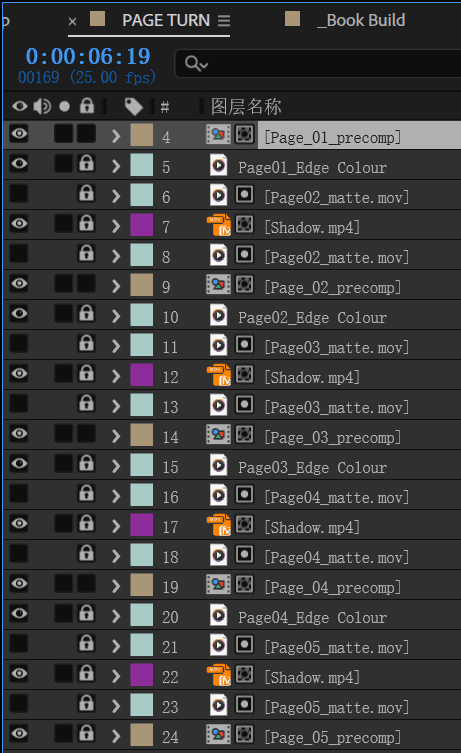
Scalability & Reusability
The animation system is designed to scale across multiple pages by reusing a modular page structure, allowing new scenes to be added without restructuring the underlying animation logic.
Technical Realization
Interaction & System Design
function snapValue(value) {
value = Number(value);
if (value < 38) return 25;
if (value < 63) return 50;
if (value < 88) return 75; return 100; }
if (s <= 25) return 0;
if (s <= 50) return 40;
if (s <=75) return 60; return 90;
let currentStageKey = null;
Function
This function transforms a continuous slider into a discrete narrative controller, allowing a single snapped value to consistently drive video playback, spatial interactions, and card content.
function renderFireflies(stageKey){
fireflyLayer.innerHTML = "";
const spots = spotsByStage[stageKey] || [];
spots.forEach((spot) => {
const dot = document.createElement("button");
dot.className = "firefly-dot";
function updateInteractiveForValue(value){
const clip = getClip(value);
if (!clip) return; renderFireflies(clip.key);
closeCard(); }
Function
Generates spatial interaction points dynamically based on the current narrative stage.
.info-card{
position: fixed;
right: 36px;
bottom: 36px;
width: min(420px, calc(100vw - 72px));
padding: var(--pad);
border-radius: var(--radius-lg);
background: var(--panel);
border: 1px solid var(--stroke);
box-shadow: var(--shadow);
backdrop-filter: blur(var(--blur));
color: var(--text); z-index: 50; }
Function
A token-based CSS system ensures consistent layering and state-driven transitions for the overlay card, allowing UI changes without modifying core logic.”
function isBackwardMove(prev, next){
return Number(next) < Number(prev); }
const prevStage = currentStageKey;
const clip = getClip(logicalValue);
const backward = prevStage !== null &&
isBackwardMove(prevStage, snapped);
const srcOverride = backward ? clip.srcRev :
clip.srcFwd;
updateInteractiveForValue(logicalValue);
await playStage2Clip(clip, { key: snapped,
srcOverride });
Function
This system switches between pre-rendered
forward and reverse clips to maintain visual
consistency and browser stability.
Discrete Slider Snapping
let stage2Started = false;
let isPlaying = false;
slider.addEventListener("change", async (e) =>
const snapped = snapValue(e.target.value);
slider.value = String(snapped);
if (snapped === currentStageKey) return;
const logicalValue = snappedToLogicalValue(snapped);
updateInteractiveForValue(logicalValue);
await playStage2Clip(getClip(logicalValue),
{ key: snapped, force: false }); });
Function
Ensures that user interaction does not replay video segments when the slider remains within the same narrative stage.
Slider State Flow Guard
Directional Playback
Dynamic Dot Rendering
Card Design & UI in css
function openCard(stageKey){
const data = cards[stageKey];
if (!data) return;
cardTitle.textContent = data.title;
setCardTheme(data.theme);
setCardRows(data.rows);
setCardMedia(data.media);
infoCard.classList.remove("hidden");
if (data.media?.type === "video"){
cardVideo.currentTime = 0;
cardVideo.play(); } }
Function
Separates narrative content from layout logic, enabling scalable and reusable information cards that respond to different interaction states.
Reusable Card System
User Test
Feedback #1
Feedback #2
User 1, Joy
User 2, Mark
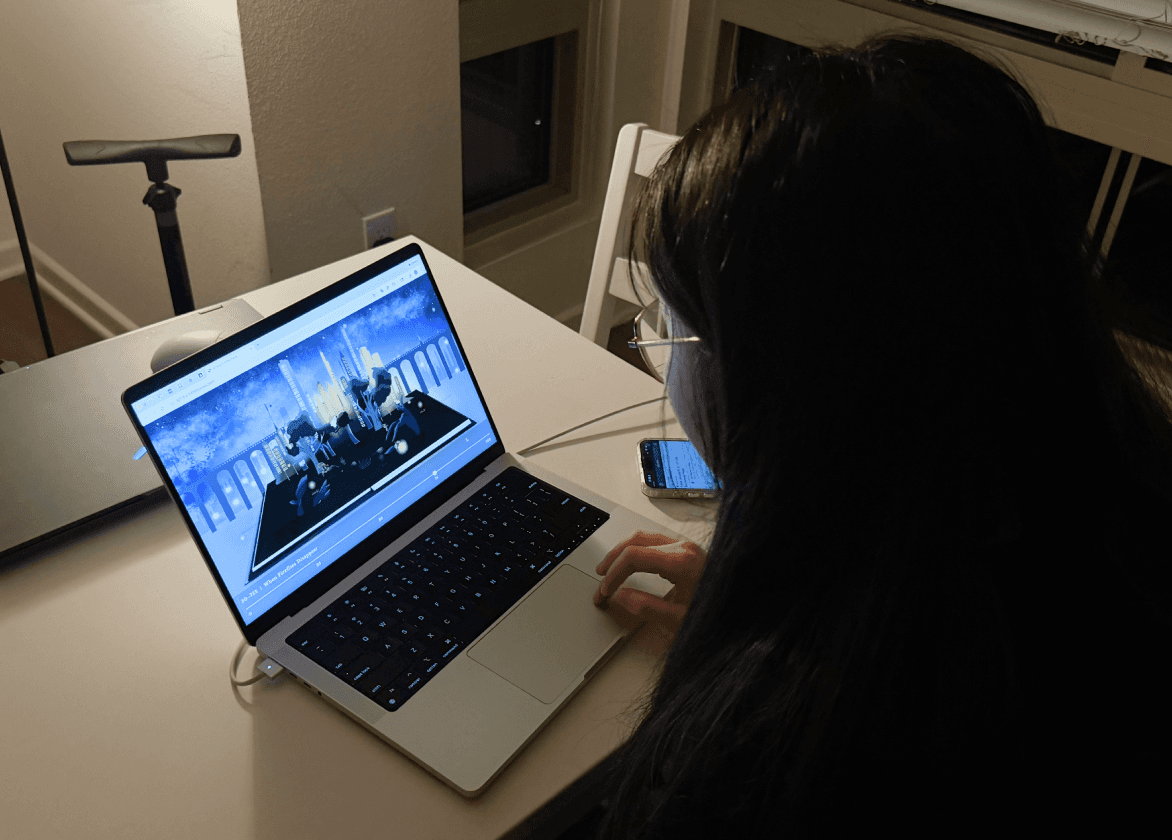
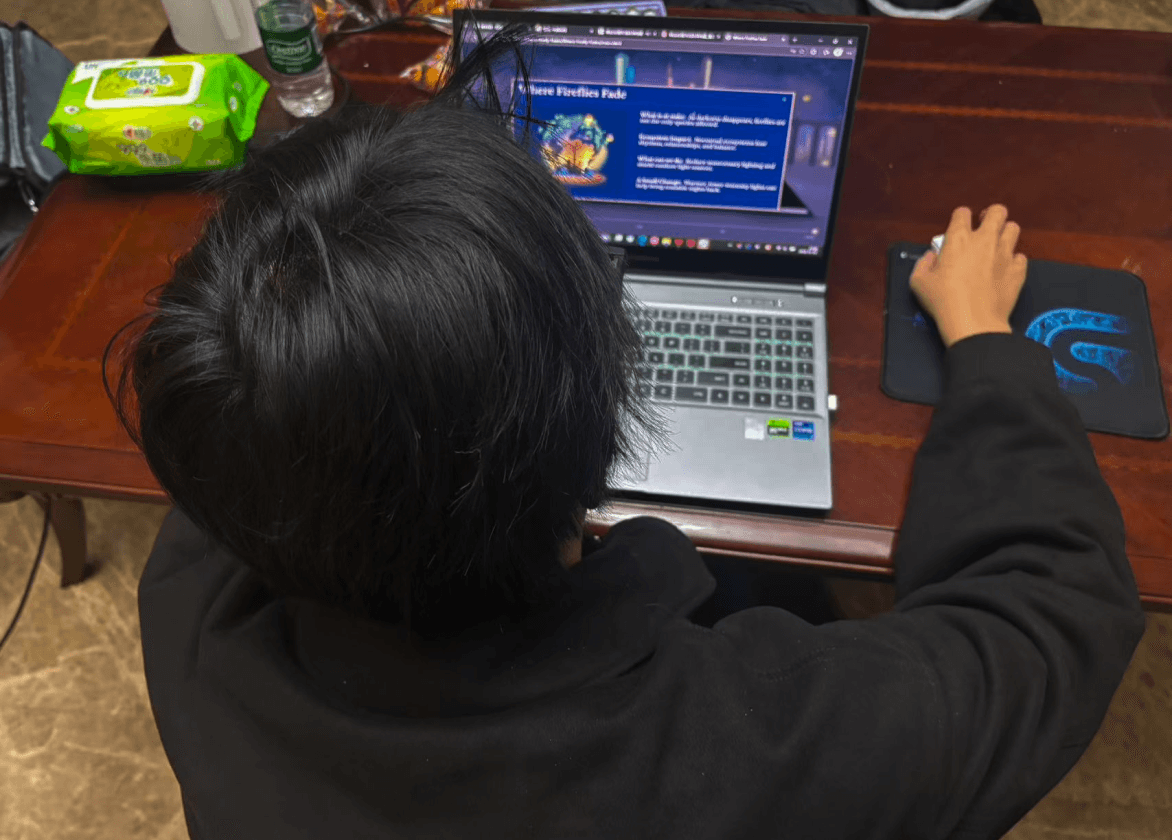
“I wasn’t sure at first whether the glowing fireflies were clickable or just decorative. Once I tried clicking one, the interaction made sense, but I think a clearer cue would help users discover it earlier.”
“The experience felt calm and immersive.I really liked how the visuals, motion, and interaction worked together. It felt more like exploring a story than using a website.”
Future Improvement

Expanded
Interaction
Adding additional interactive elements—such as ambient objects, environmental cues, or subtle UI affordances
Deeper
Narration
Incorporating more narrative elements to strengthen users’ understanding of ecological change.
More
Motion Effects
More nuanced animations and would help make the environment feel more alive, responsive and
emotionally expressive.


Final Display
1
2
6
3
4
5